







Top 10 Generative AI Testing Tools In 2026
Generative (Gen) AI testing tools are no longer experimental add-ons. In 2026, they are becoming core components of enterprise automation strategies. QA leaders are no longer asking “Should we use AI?” They are evaluating which generative AI test automation tools can expand coverage, reduce maintenance, and scale across complex application ecosystems.
Modern applications span microservices, APIs, packaged systems, and continuous delivery pipelines. Traditional automation struggles to keep pace. The best generative AI testing tools 2026 now go beyond script suggestions, they generate test cases from requirements, create context-aware test data, self-heal intelligently, and provide governance controls required by enterprise teams.
If you are shortlisting tools for enterprise adoption, the blog will help you assess depth, reliability, and scalability not just features.
- Quick Comparison – Top Generative AI Testing Tools (2026)
- What Generative AI Actually Does in Testing?
- How to Choose Gen AI Testing Tools?
- 10 Best Generative AI Testing Tools
- Challenges When Using Gen AI Testing Tools
- Best Practices to Use Gen AI Testing Tools
- Preventing False Confidence in Generative AI Testing
- Conclusion
Quick Comparison – Top Generative AI Testing Tools (2026)
| Tool | Best For | Key Gen AI Capability | Coverage | Ideal Team | Limitations |
|---|---|---|---|---|---|
| ACCELQ Autopilot | End-to-end automation for enterprises | AI-driven logic, and autonomous test generation | Web, API, mobile, desktop, mainframe, and packaged apps | Enterprise QA teams | A brief learning phase, but it’s intuitive once familiar |
| GitHub Copilot | Developer-centric test scripting | AI-assisted code completion | Framework-based automation | Dev-led teams | Requires coding expertise |
| UiPath Autopilot | RPA + lifecycle augmentation | Requirement-to-test generation | Web + RPA | Enterprises in UiPath ecosystem | Licensing cost is high |
| TestCollab QA Copilot | No-code script drafting | Natural language to executable tests | Web apps | Small-mid QA teams | Training data sensitivity |
| Test.ai | Mobile-first automation | User behavior-based test generation | Web + mobile | Fast-release teams | UI complexity challenges |
What Generative AI Actually Does in Testing?
Generative AI improves software testing by automating the generation and refinement of test assets across the QA lifecycle. In practice, it:
- Converts requirements into executable test cases.
- Generates realistic synthetic test data.
- Generates and refactors automation scripts.
- Identifies missing edge cases and coverage gaps.
- Recommends improvements based on defect patterns.
AI-Powered Test Case Generation Tools
One of the most commercially important capabilities in 2026 is AI-powered test case generation. Modern tools can:
- Convert user stories into executable test cases.
- Extract scenarios from requirement documents.
- Produce synthetic test data aligned to business logic.
However, not all AI-powered test case generation tools deliver the same depth. So, enterprise teams should evaluate:
- Accuracy rate of generated test cases.
- Coverage expansion beyond happy paths.
- Able to maintain traceability to requirements.
Test case generation without validation creates automation debt. This becomes especially risky in large-scale programs where agentic automation in testing introduces higher levels of autonomy without safety. The goal is smooth expansion of coverage and not inflated test counts.
How to Choose Gen AI Testing Tools?
Choosing an enterprise generative AI testing platform isn’t about flashy AI demos. It’s about measurable automation depth, reliability, and governance. Here’s a practical evaluation framework that QA leaders can use:
1. Depth of Autonomous Test Generation
Evaluate how platforms generate tests from different sources: requirement documents, user stories, UI wireframes, legacy test suites, manual test cases, and application analysis. Measure generation speed (i.e.,hours versus weeks for equivalent coverage), comprehensiveness (positive tests, negative tests, edge cases, boundary conditions), and accuracy (percentage of generated tests executing successfully).
2. Natural Language Authoring Intelligence
Check non-technical users can create sophisticated tests through natural language, or does the tool need technical expertise despite natural language interfaces. Test with business analysts and manual testers attempting complex scenario creation. Measure time-to-productivity and success rates.
3. Self-Healing Effectiveness
When applications change, what percentage of test updates occur autonomously versus requiring manual effort? Tests with real UI changes such as element moves, attribute changes, and layout redesigns measures self-healing test automation that reduces maintenance burden and accuracy.
4. Depth of AI-Powered Analysis
How effectively does the tool use AI for root cause analysis, test optimization, coverage gap identification, and intelligent recommendations? Measure reduction in defect triage time and value of AI-generated insights.
5. Test Data Generation Intelligence
Does the tool produce contextually appropriate, real test data across scenarios, or needs manual data preparation? Analyze data quality, edge case coverage, and compliance awareness.
6. True AI Native Architecture
Is the tool architectured from inception around generative AI and LLMs, or are AI features added to legacy architecture? AI native tools deliver superior integration, autonomous capabilities, and continuous learning versus bolt-on AI features.
10 Best Generative AI Test Automation Tools
1. ACCELQ Autopilot
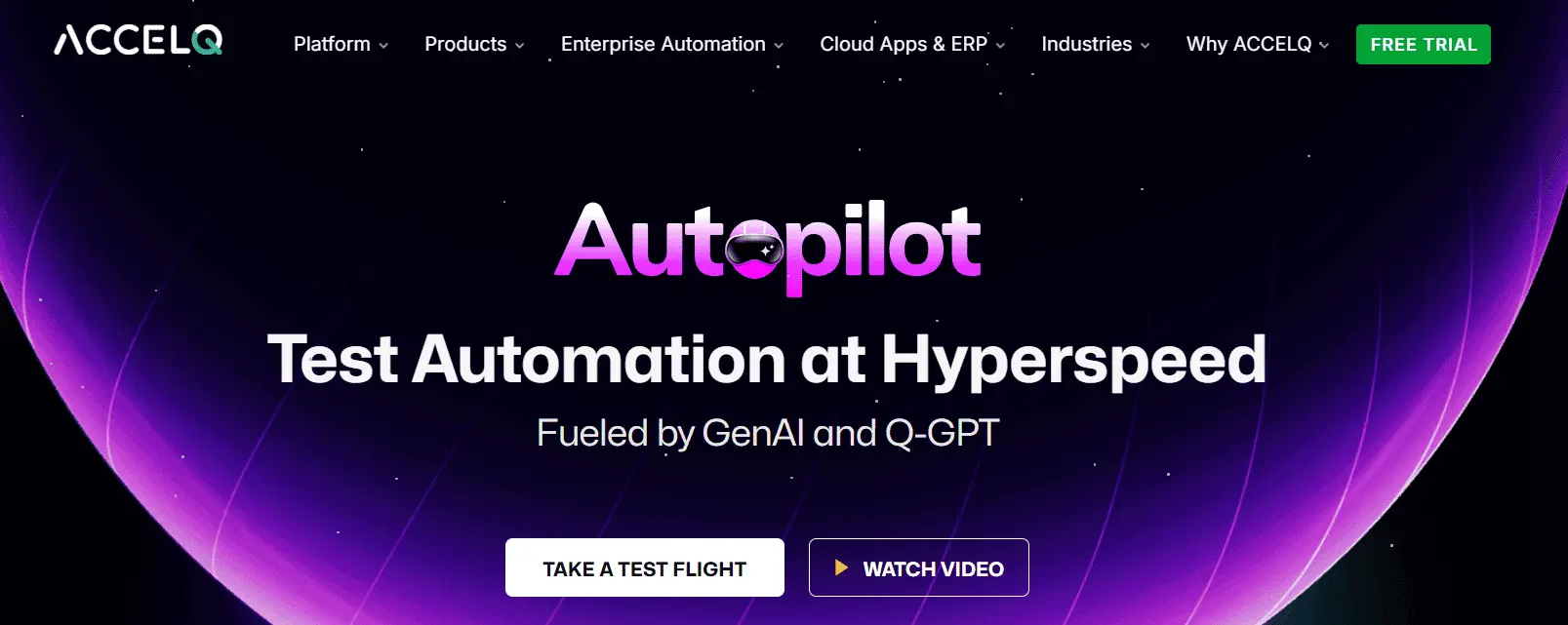
ACCELQ Autopilot gives GenAI power across the automation lifecycle. The AI-native test automation platform enables business process discovery, autonomous test automation generation, and execution in one seamless flow. It helps to uphold Agile delivery and manage application updates.
Autopilot represents a sophisticated implementation of generative AI in test automation that goes beyond basic script generation. It offers an interconnected suite of AI capabilities to create, manage, and scale test automation. The platform completely follows an AI-driven test automation for quicker test creation. It also tackles long-term issues like test maintenance, scalability, and change adaptation.
Features:
- Discover Scenarios: Automatically analyzes applications to generate complete end-to-end (E2E) test scenarios without manual effort.
- QGPT Logic Builder: Translates complex business rules into plain English, creating automation logic that connects front-end, back-end, APIs, and middleware.
- AI Designer: Structures tests into modular, reusable components, ensuring maintainability and scalability over time.
- Test Case Generator: ACCELQ Autopilot automatically generates many test cases to cover business scenarios, populating relevant test data while maintaining logical relationships.
- Autonomous Healing: Adapts tests to changes in the application, automatically handling complex element type changes and providing AI-driven troubleshooting support.
- Logic Insights: Uses AI to analyze test logic, suggest optimizations, and enhance test reliability and performance.


Pros & Cons of ACCELQ Autopilot
- Simplifies data checks and API integrations with a simple user experience
- Builds reusable test assets to reduce duplication and ease maintenance
- Real-time feedback ensures test logic works before finalizing
- Best utilized with a structured test design for optimal efficiency and scalability
- Designed for scalability, offering flexibility to grow with your team
- Unlock maximum value by centralizing all your test automation in a unified platform
Pricing: ACCELQ Autopilot subscriptions are tailored to enterprise needs. Contact the Account Executive for more details
2. GitHub Copilot

GitHub Copilot is a new tool from GitHub. It gives code suggestions in real-time. You can use it as an extension in VS Code. This tool is trained on billions of lines of public code from GitHub projects, allowing it to provide suggestions based on various authors and languages.
Features:
- AI-powered code completion capabilities can significantly improve tester productivity.
- An autonomous AI agent can make code changes for you. You can assign a GitHub issue to Copilot; the agent will make the required changes and create a pull request for you to review.
- This tool can generate large portions of test cases by analyzing the code’s function names, comments, and context.
Pros & Cons of GitHub Copilot
- Improves workflow with smooth integration into IDEs like VS Code
- Reduces errors with relevant code suggestions, avoiding common mistakes
- Automates repetitive tasks, enables developers to focus on more critical work
- Code suggestions may lack relevance & need developer review
- Requires a learning curve to use suggestions in complex coding
- Expensive for individual developers and startups

Pricing: GitHub Copilot is available through subscription plans for individuals and businesses. Pricing is based on features and capabilities.
3. Uipath Autopilot

Uipath Autopilot for testers is a collection of digital systems, also known as agents. These systems are designed to boost testers’ productivity throughout the entire testing lifecycle.
Features:
- Generates test steps for requirements and supporting documents in the test manager.
- Converts any text, such as manual test cases, into coded automated test cases in Studio Desktop.
- Generates manual or automated test case failure reports and provides recommendations in your test portfolio.
Pros & Cons of Uipath Autopilot
- Clarity, completeness, & consistency in requirements for quality check
- Saves time with auto-generated manual test cases from requirements
- Detailed insights on test failures without predefined templates
- The community version is slow or crashes often
- Steep learning curve for mastering all features
- High licensing costs may limit smaller organizations
4. Tricentis Copilot
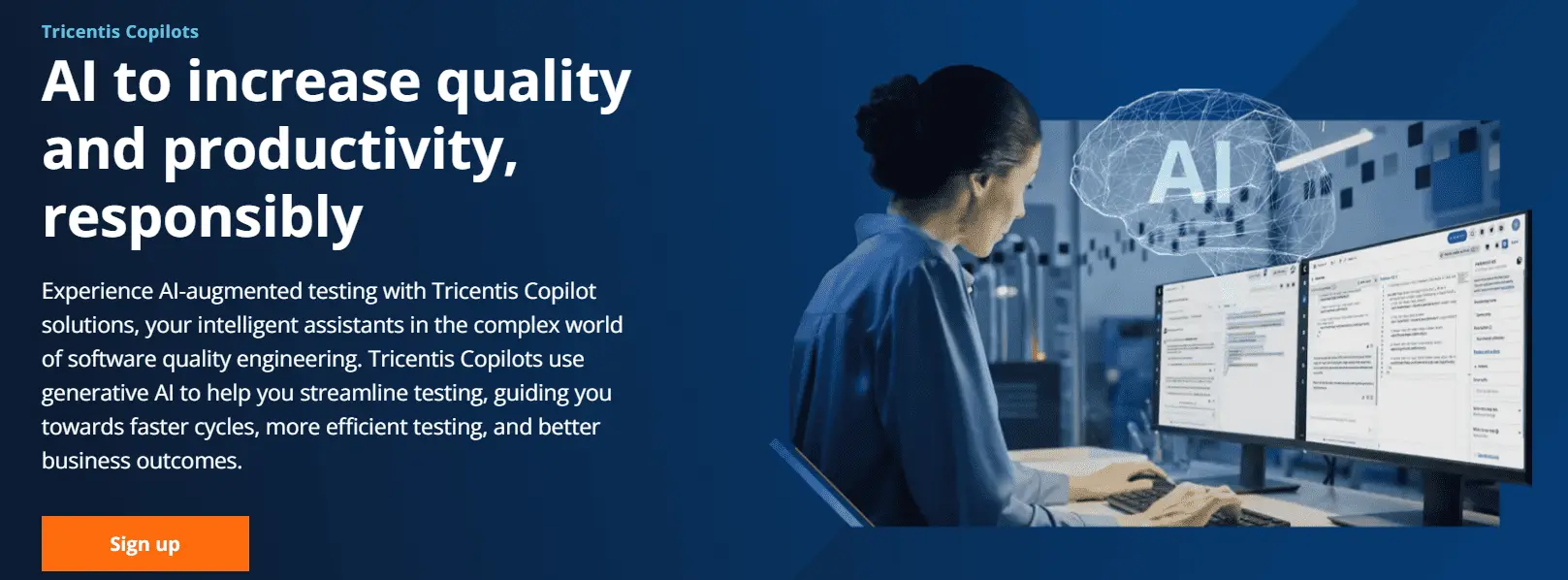
Tricentis Copilot solutions are AI-powered, intelligent assistants for QA and development teams to test applications, processes, and data. These solutions assist with test creation, portfolio optimization, execution insights, and guide throughout the testing lifecycle.
Features:
- De-duplicate existing test cases for a more maintainable path to testing.
- Optimizes tests to find unused and duplicate test cases to remove unneeded items or perform mass changes.
- Quality insights summarize complex test cases and test steps to troubleshoot issues.
Pros & Cons of Tricentis Copilot
- Generates test steps and results from requirements for faster test creation
- Quickly identify failures for easy troubleshooting
- Boost productivity with 24/7 guides for faster onboarding and learning
- AI may generate duplicate test cases, needing manual cleanup
- AI outputs have limited customization
- Pricing may not be suitable for small projects
Pricing: Tricentis Copilot is part of their ecosystem. The pricing aligns with the platform licensing, structured around enterprise testing requirements and deployment size.
5. Testsigma Copilot
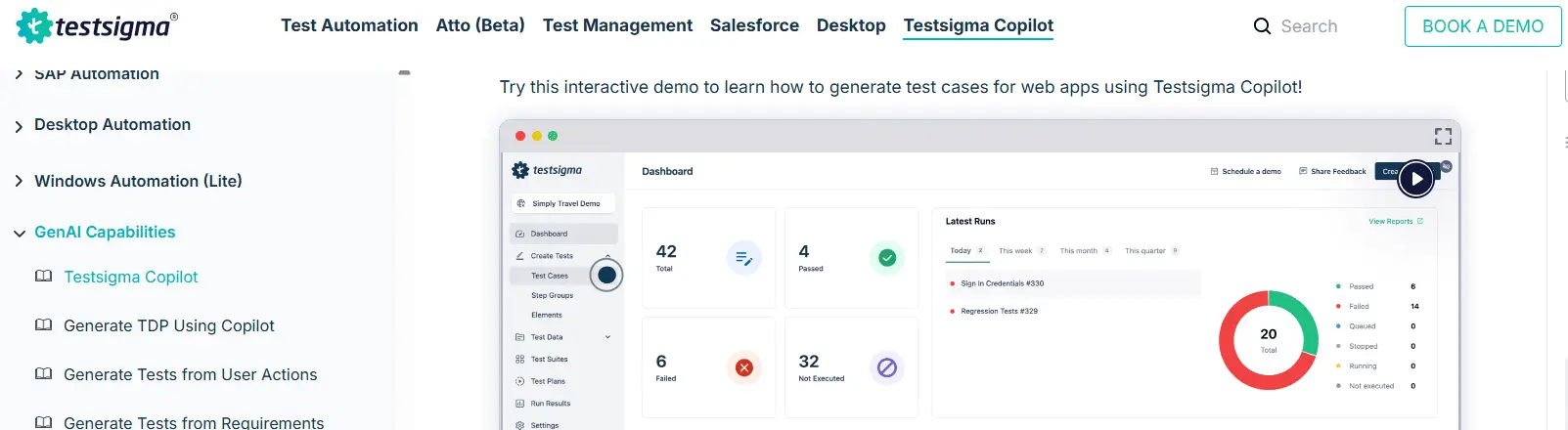
Testsigma Copilot is a GenAI-powered assistant built into a no-code test automation platform. Using advanced LLMs helps QA teams make test cases from different sources. It reduces the effort needed for test automation.
Features:
- Generates test cases from user stories and screenshots to cut manual scripting.
- Hidden edge cases can be discovered by detailed test coverage suggestions with minimal input from tools like Jira.
- AI-generated test data suggestions can create custom test data profiles for your tests.
Pros & Cons of Testsigma Copilot
- Detect hidden edge cases and ensure robust QA with AI-driven insights
- Reduces manual effort and improves accuracy, streamlining the testing lifecycle
- Improves quality by identifying and addressing issues early in development
- Lacks capabilities for end-to-end production workflows
- Requires training for teams new to NLP-based test automation
- Pricing may not be suitable for small projects
Pricing: Testsigma Copilot offers subscription-based pricing. The cost scales based on volume of testing, user seats, and access to advanced AI-driven testing capabilities.
6. Applitools Autonomous
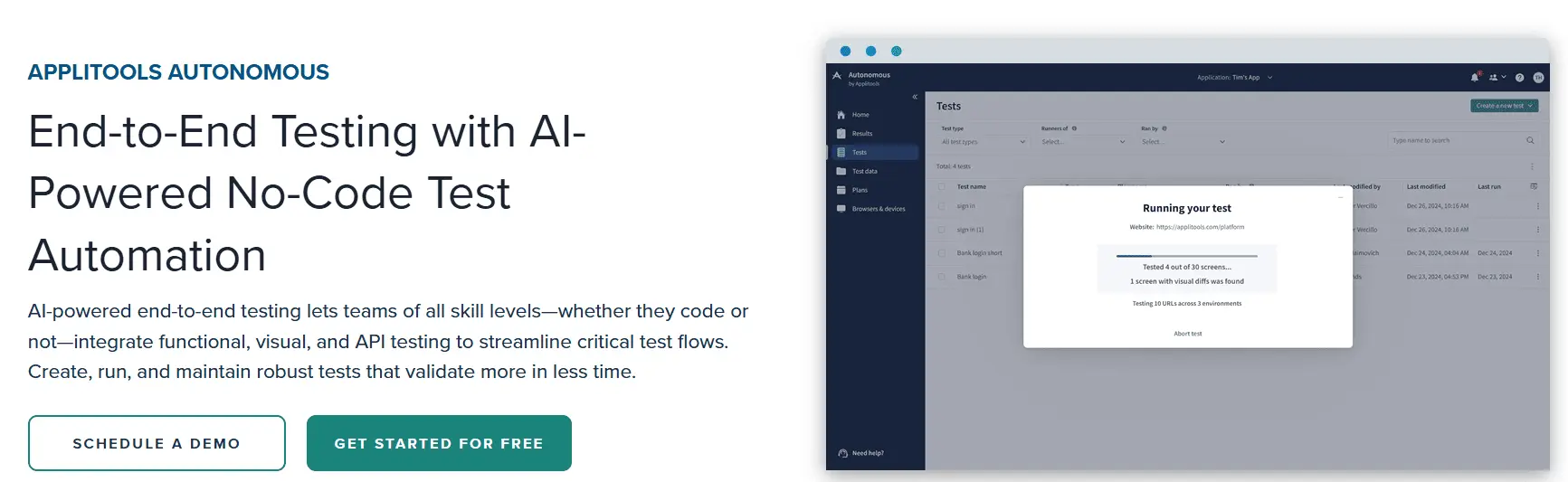
Applitools Autonomous is an autonomous testing platform that proactively tests applications with AI. The platform is designed for development organizations that want to deliver exceptional digital experiences.
Features:
- Record user flows in an interactive browser that shows steps in plain English for easy editing and debugging.
- Visual AI ensures detailed coverage of personalized and dynamic content.
- Dashboards give actionable insights to surface changes and bugs.
Pros & Cons of Applitools Autonomous
- Breaks down difficult workflows into clear test steps, enhancing accuracy
- Supports continuous testing, reducing integration and deployment risks
- Detailed and accurate validation of dynamic content minimizes undetected issues
- Highly dynamic content needs frequent changes, requiring manual efforts
- Requires time to learn and adapt advanced features
- Expensive, restricting access to advanced features
Pricing: Applitools Autonomous pricing is structured around test execution volume and platform capabilities. Enterprise plans offer visual AI testing features and integrations.
7. KaneAI

KaneAI is a generative AI test automation platform built on modern large language models (LLMs). This platform enables the creation, debugging, and evolution of end-to-end tests using natural language.
Features:
- Multi-language code export converts automated tests in all major languages and frameworks.
- The platform can integrate Jira, Slack, Github actions, and Google Sheets into your workflow.
- This platform generates reports and visualizes test behavior across projects.
Pros & Cons of KaneAI
- Develop tests across web & mobile devices for extensive test coverage
- Integrates with tools to enhance workflow continuity
- Smart versioning ensures the maintenance of separate versions for every change to ease updates
- A learning curve is required for users new to the platform
- Integration with Microsoft Teams is not currently available
- Limited customization compared to traditional methods
Pricing: KaneAI pricing varies based on platform usage and AI automation capabilities. Enterprise-focused cost for teams adopting AI-assisted testing workflows.
8. TestGrid CoTester
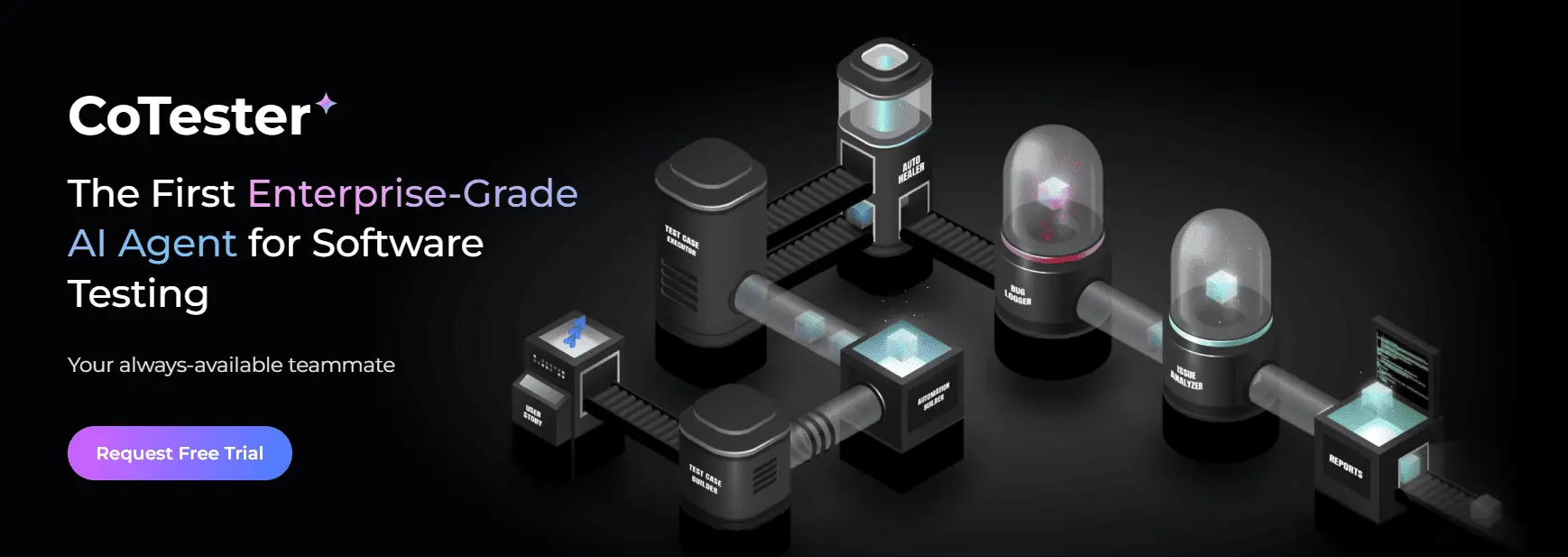
TestGrid CoTester is one of the generative AI testing tools. This tool is pre-trained on an architecture to streamline the testing process.
Features:
- A step-by-step editor shows how the automation workflow works with web forms.
- The generative AI tool to generate test cases can upload user stories in various file formats to test web forms or other specific web pages.
- A chat interface can instruct steps to tweak test cases. The clearer the instructions, the more accurate the modifications will be.
Pros & Cons of TestGrid CoTester
- Automated test case creation and execution to improve testing efficiency
- Integrates with project management tools for easy incorporation into existing workflow
- Offers screenshots and detailed results for fast issue diagnosis and resolution
- Fails to connect to cloud devices or browsers
- Documentation could be improved for better usability and onboarding.
- Can only be used to test web applications, and mobile testing is under development
Pricing: TestGrid CoTester pricing depends on cloud testing usage, device access, and automation capabilities. Offers a range of plans for teams and enterprise environments.
9. Test.ai

Test.ai provides generative AI-driven automation capabilities to automate functional and regression testing for mobile and web applications. The tool is ideal for applications with frequent updates and complex user interactions.
Features:
- One of the generative AI test automation platforms integrates accessibility testing into existing UI tests to identify and resolve issues.
- Unified functional testing is supported to deliver software updates.
- Integrates with existing tools and workflows to ensure automated test reliability throughout the development lifecycle.
Pros & Cons of Test.ai
- Generates tests automatically based on user interactions to save time and effort
- Cuts manual test creation with less coding for Agile teams
- Improves deployment with continuous testing in CI/CD pipelines
- Struggles to adapt to frequent or complex user interface changes
- Requires time for new users to master the tool effectively
- Incomplete test cases because of lack of context
Pricing: Test.ai offers various pricing models. It depends on the mobile testing scope, AI-driven test coverage, and enterprise testing requirements.
10. TestCollab – QA Copilot

Test Collab QA Copilot is an AI tools for the software testing process. The tool converts plain English into executable test scripts. Once trained on your app, this tool can execute hundreds or thousands of test cases with a single click.
Features:
- The auto-healing feature adapts test scripts to minor app updates, like text changes, to ensure your tests run smoothly.
- Hands-off simulation of user interactions is supported.
- This tool updates scripts to ensure uninterrupted continuous testing.
Pros & Cons of TestCollab - QA Copilot
- Enables iterative feedback to refine test cases so they are clear for script generation
- An AI-based NoCode solution eliminates manual script writing
- Crafts, executes, and analyzes test scripts with intelligent AI for precise testing
- Test case accuracy relies on the quality of the AI training data
- Generate redundant test cases, so requires manual filtering
- Users need time to learn to use Copilot's suggestions effectively
Pricing: Test Collab – QA Copilot pricing is based on user seats and test management capabilities. AI Copilot features are included in chosen subscription plans.
Challenges When Using Gen AI Testing Tools
While these tools offer advantages, they also have some challenges that must be considered:
- Human validation is required for generated tests.
- The quality of generated tests is heavily dependent upon the accuracy of the input data used to create them.
- There are considerable security and privacy issues that must be managed with generated tests.
- Most enterprise teams require an adoption phase to effectively operationalize generative AI-driven test automation.
Awareness and understanding of these challenges will allow teams to be successful while adopting these tools.
Best Practices to Use Gen AI Testing Tools
Maximize the benefits of these tools by:
- Beginning testing at the API level prior to UI testing.
- Use AI generated tests that are overseen by humans.
- Incorporate tools into CI/CD processes as soon as possible.
- Monitor how much you are covering and detecting defects.
These practices help enterprise teams build stable automation environments.
Preventing False Confidence in Generative AI Testing
Enterprise-grade generative AI test automation tools are powerful but without governance creates risk. Many tools can generate test cases, refactor scripts, or auto-heal broken locators. The real danger is not weak AI, it is misplaced trust in AI outputs that haven’t been validated. In enterprise environments, false confidence is more dangerous than slow testing. Here’s what QA leaders must actively guard against:
1. AI Hallucinated Test Logic
LLM-based test generation can generate syntactically correct but logically flawed test cases. Examples: Missing negative scenarios, incorrect business rule assumptions, incomplete boundary validations, and tests that look complete but skip critical branches If your tool cannot trace generated logic back to requirements. Instead, look for:
- Requirement-to-test traceability.
- Explainable AI outputs.
- Human review checkpoints before execution.
2. Flaky Self-Healing That Masks Failures
Weak self-healing can replace locators incorrectly, auto-adjust elements that should not be changed, and convert legitimate failures into false passes. This creates silent defects, the worst type. So, enterprise-grade self-healing should:
- Provide visibility into each automated fix.
- Allow approval workflows.
- Maintain version history of healing decisions.
3. Inflated Coverage Without Meaningful Validation
Some generative AI test automation tools increase test counts dramatically. But many tests do not equal better coverage. Rather watch for:
- Duplicate scenario generation.
- Redundant edge cases.
- Surface-level permutations without business depth.
Ask instead: Did defect detection improve? Did escaped defects reduce? Metrics matter more than volume.
4. Lack of Governance and Auditability
It is particularly critical in regulated industries relying on packaged and enterprise application testing where audit trails are mandatory. Enterprise QA environments require:
- Role-based access controls.
- Audit logs.
- Compliance tracking.
- Traceability across CI/CD pipelines.
If generative AI-generated test cases cannot be audited, and validated, it might create compliance exposure. Generative AI testing platforms must provide:
- Full traceability from requirement, test, execution, and defect.
- Clear attribution of AI-generated modifications.
- Human override capability.
Without governance, AI becomes a risk.
5. Over-Dependency on Natural Language Authoring
Natural language test creation can oversimplify complex validation logic. But, enterprise applications often require:
- Multi-system validations.
- API + UI synchronization.
- Middleware assertions.
- Data integrity checks.
If AI abstracts away too much technical depth, test accuracy may degrade. The goal is augmentation and not random automation.
The best generative AI testing platforms do not just generate tests, they provide transparency, traceability, and controlled autonomy. That is the difference between AI-assisted automation and enterprise-grade AI-native testing.
Conclusion
Enterprise adoption of generative AI testing in 2026 is about automation maturity, not experimentation. The real differentiators are:
- Autonomous test generation depth
- Self-healing mechanisms reliability
- AI-powered test case generation accuracy
Enterprise generative AI testing platforms must reduce maintenance, expand test coverage, and enforce governance, not just generate more scripts. ACCELQ Autopilot redefines test automation with its GenAI-powered capabilities. Combining business process discovery, autonomous test generation, and smooth test execution, the AI-native test automation platform ensures unparalleled efficiency and adaptability. Designed for Agile delivery, ACCELQ simplifies the automation lifecycle for precision and speed.
To see Autopilot in action, book a personalized demo for your QA workflows.
FAQs
Generative AI testing tools use machine learning and large language models (LLMs) to automatically create testing artifacts such as test cases, test data, mocks, and stubs. Unlike traditional tools that rely on predefined scripts, these tools analyze application behavior and patterns to generate new, relevant test scenarios, improving coverage and reducing manual effort.
Generative AI tools use large language models (LLMs) and natural language processing (NLP) to convert human-readable requirements into structured test cases. By analyzing requirements, user stories, and acceptance criteria, they automate the test design process, significantly accelerating test creation while expanding coverage for complex scenarios.
Self-healing accuracy improves when multiple locators are maintained for each element, typically three to six per element, along with historical data. In large test suites, this provides the AI with enough context to adapt to UI changes. With well-maintained locator histories and visual references over time, self-healing success rates can reach approximately 85% to 95%.
Generative AI creates edge-case test data by analyzing requirements, user behavior, and application logic using LLMs. It identifies patterns and generates boundary, negative, and unexpected input scenarios such as extreme values, invalid formats, or rare user actions that are often missed in manual testing, improving test robustness and coverage.



Chaithanya M N
Content Writer
A curious individual who is eager to learn and loves to share her knowledge using simple conversational writing skills. While her calling is technology and reading up on marketing updates, she also finds time to pursue her interests in philosophy, dance and music.

You Might Also Like:
 AI Test Automation for nCino | Powering Fintech Innovation
AI Test Automation for nCino | Powering Fintech Innovation
 From Code to Cognition- Tracing the Journey of AI and its Impact on Test Automation.
From Code to Cognition- Tracing the Journey of AI and its Impact on Test Automation.
 Unlocking the Power of AI in Testing Automation for Next-Gen Apps