







Best Parasoft Alternatives in 2026: Modern Tools Compared
Parasoft SOAtest and Parasoft Virtualize are staples in enterprise API testing for good reason. They’re powerful, deeply protocol-rich, and suited to regulated industries like banking, telecom, and aerospace.
But just because a tool is powerful does not make it easy to adopt. This is the case with Parasoft, which is why QAs teams are looking for newer, codeless, cloud-native Parasoft alternatives.
- Why Teams Look for Parasoft Alternatives
- What to Look for in a Parasoft Alternative
- Top Parasoft Alternatives Compared
- Parasoft vs. ACCELQ
- Parasoft vs. Tricentis Tosca
- How Does Parasoft SOAtest Compare to Other Testing Solutions?
- Can Parasoft Software Be Integrated with Popular Development Environments?
- Making the Switch from Parasoft
- Frequently Asked Questions
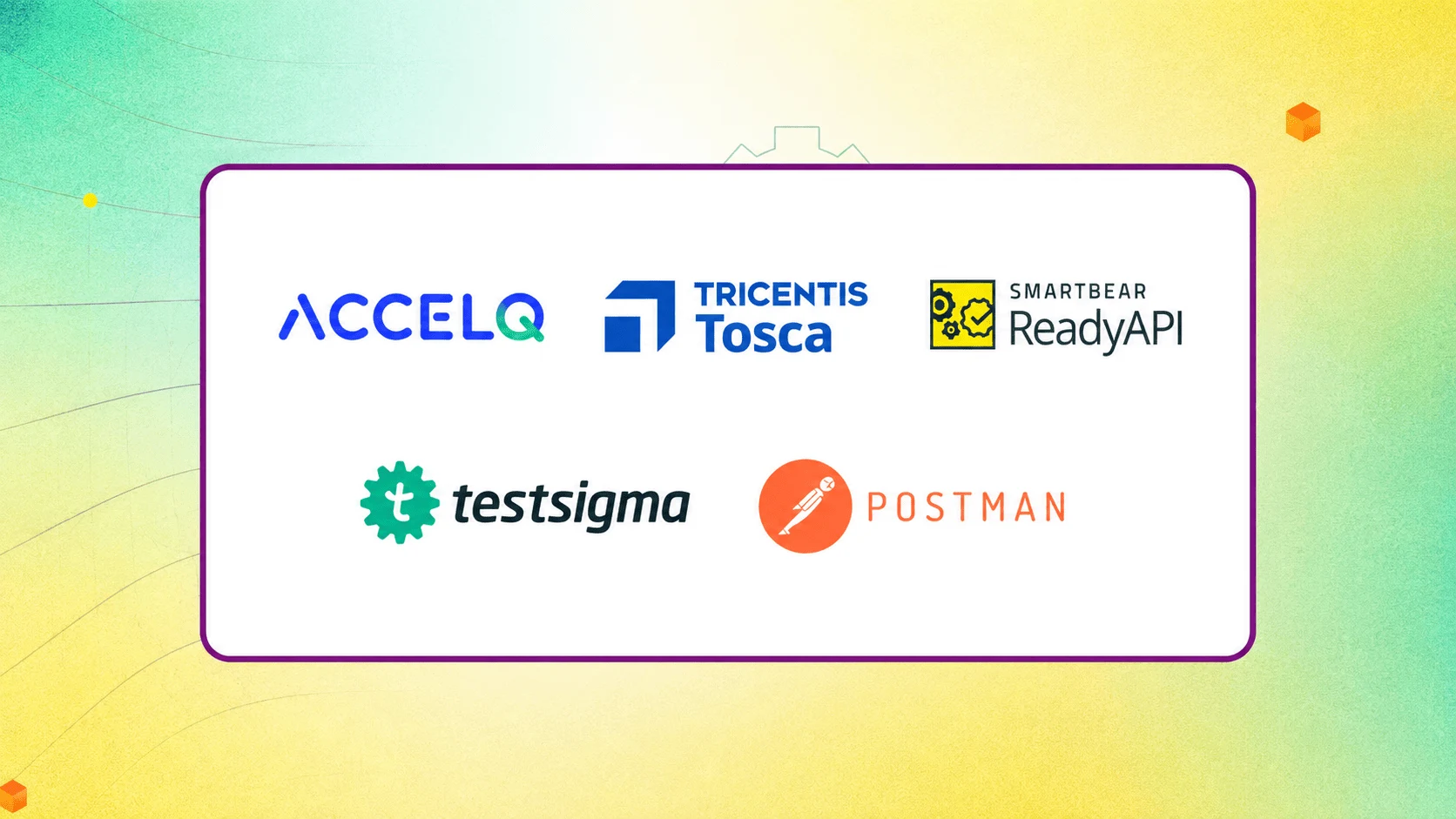
The strongest Parasoft alternatives in 2026 are ACCELQ (for codeless, AI-driven testing across web, API, and mobile), Tricentis Tosca (large enterprises already invested in model-based testing), SmartBear ReadyAPI (lightweight upgrade from SoapUI), Testsigma (budget-friendly all-in-one option), and Postman (developer-first API workflows). Which one fits best depends on team size, budget, and how much of the testing lives outside the API layer.
This guide breaks down why teams look for alternatives to Parasoft, what SOAtest and Virtualize actually struggle with, and how the leading alternatives stack up.
Why Teams Look for Parasoft Alternatives
Teams switch away from Parasoft mainly because SOAtest and Virtualize are hard to work with day-to-day.
It comes with a steep, multi-component learning curve and desktop-based licensing that doesn’t fit cloud-first teams. Costs also climb once Virtualize and DTP reporting are added on.
Parasoft is also built around the API layer, so teams that need easier web/mobile coverage or want non-developers to contribute to testing look for alternatives.
Parasoft’s suite (SOAtest for functional/API testing, Virtualize for service virtualization) supports over 100 protocols and message formats. It’s ideal for compliance-heavy environments like healthcare, defense, and financial services.
That said, real-world reviews reveal a few distinct Parasoft SOAtest limitations and disadvantages:
- Steep learning curve. SOAtest needs familiarity with several interconnected components (DTP, CTP, Environment Manager). New users often need weeks of ramp-up before they’re productive.
- Performance and stability issues. Slow startup times, workspace corruption, and crashes occur frequently, especially as .TST project files grow larger over long-running projects.
- Heavy, desktop-centric architecture. SOAtest and Virtualize are traditionally installed, licensed, and managed on a per-machine or per-server basis. This doesn’t work well with cloud-first, browser-based workflows.
- High total cost of ownership. Between SOAtest, Virtualize, and add-ons like DTP reporting, licensing costs balloon up quickly.
- Limited UI/GUI testing depth. Parasoft shines at the API and service layer. Teams needing strong end-to-end web or desktop UI automation have to pair or replace it with another tool.
- Reporting that needs customization. Several reviewers note that out-of-the-box reports aren’t descriptive enough for stakeholders without extra configuration.
What to Look For in a Parasoft Alternative
The right Parasoft alternative comes down to six things: codeless or low-code test creation, cross-layer coverage (web, API, mobile, and database in one platform), cloud-native deployment, AI-assisted maintenance like self-healing tests, pricing that matches smaller teams, and service virtualization built in rather than sold separately.
-
Codeless or Low-Code Test Creation
SOAtest’s setup assumes a certain level of technical expertise. Beginner devs and non-tech stakeholders cannot use it to build a reliable test.
It shuts out the manual testers and business analysts who often understand the app’s real-world behavior best. Your Parasoft alternative should let someone describe a test in plain, structured logic and still get a maintainable, reusable test out of it. Look for a codeless platform that lets a QA analyst contribute tests from day one.
-
True Cross-Layer Coverage
Parasoft’s core strength is the API and service layer. That’s why many teams end up running SOAtest alongside separate tools for UI testing, mobile testing, and database validation. A Parasoft alternative should let you validate a single business process, say, a customer placing an order end to end. This includes the web UI, the API calls behind it, the database writes, and the mobile confirmation, all inside one test and one report.
-
Cloud-Native Deployment
Parasoft’s licensing model is built around installed software, dedicated license servers, and per-machine or per-seat management. Someone on your team has to provision, patch, and maintain this infrastructure.
A cloud-native alternative removes that layer. Tests run in the browser, execution happens on managed cloud infrastructure, and updates roll out automatically. No manual upgrade cycle.
Another advantage is that cloud-native platforms scale test execution up and down with your pipeline instead of being capped by how many desktop licenses you can buy.
-
AI-Assisted Maintenance
Every UI tweak, renamed field, or API schema change breaks a portion of regression tests. Someone has to manually track down and fix each broken step.
Self-healing automation is a feature with which the platform recognizes that an element has moved or was renamed and adjusts the test automatically. It also runs change impact analysis to flag tests affected by a given change. This turns maintenance from a full-time job into a background task.
It is also one of the biggest advantages you get over Parasoft’s script-and-component model if you choose newer AI-augmented platforms like ACCELQ.
-
Transparent Pricing for Smaller Teams
Parasoft’s pricing model assumes enterprise-scale budgets, which is a hard sell for a five-person QA team or a startup on its first automation practice.
Team-friendly Parasoft alternatives should offer clear, published tiers that scale with the number of users or the scope of testing. No point to a bundle of add-ons that only make financial sense at enterprise volume.
-
Service Virtualization Built In
Parasoft does not offer built-in service virtualization. Virtualize comes with its own license, its own server components, and its own learning curve.
That works for large enterprises managing virtualization as a shared service across many teams, but it’s added overhead for everyone else.
A tool that includes virtualization natively lets a team simulate an unavailable third-party API, a legacy mainframe, or a rate-limited external service without buying, licensing, or learning a second product.
Top Parasoft Alternatives Compared
1. ACCELQ: Best Overall Codeless Alternative

ACCELQ is a cloud-native, AI-powered unified test automation platform that covers web, API, mobile, database, and even mainframe and desktop applications from a single dashboard.
Rather than writing scripts or navigating components, teams build tests using natural-language logic in a browser-based editor. ACCELQ calls this Lifecycle Automation, where the business process is at the center of every test asset.
Why teams choose ACCELQ over Parasoft:
- Codeless by design, significantly reducing the SOAtest learning curve.
- Unified API and functional testing in one, so API and UI flows for the same business process exist in one automated test.
- Self-healing tests that adapt to UI and application changes automatically, cutting down the maintenance overhead that burdens legacy suites.
- In-sprint automation to build tests before the application UI is finished, then reconcile once it’s live.
- Native CI/CD plugins for Jenkins, Azure DevOps, Bamboo, and TeamCity, with cloud execution that doesn’t need heavy on-prem agents.
- Built-in service virtualization for REST, SOAP, and database dependencies. No separate license SKU for it.
ACCELQ fits best for teams that want to consolidate API and UI testing into one platform. It’s also great for organizations moving off Parasoft’s desktop-centric model toward SaaS. QA teams that need non-programmers to contribute to automation will also see major benefits.
Ready to see ACCELQ in action?
Discover AI-driven, codeless test automation built for modern QA pipelines.
2. Tricentis Tosca: Best for Large Enterprises Already Standardized on Model-Based Testing

Tosca is a model-based, codeless automation platform spanning UI, API, and data layers. It’s widely preferred for reusable modules that cut long-term maintenance work, and for scriptless test design that lets less technical staff contribute.
Unlike Parasoft, Tosca leans towards enterprise-wide, cross-technology automation (SAP, mainframes, packaged apps) rather than deep API protocol coverage.
Reviewers comparing Parasoft SOAtest vs. Tricentis Tosca will show you that Tosca has a steeper initial learning curve due to its model-based approach, but pushes higher long-term ROI once teams are past the ramp-up period.
Tosca is a close fit for large organizations standardizing tests across multiple application types.
3. SmartBear ReadyAPI: Best Lightweight Upgrade Path

ReadyAPI is built on the open-source SoapUI foundation. Often, this is where teams go when they find Parasoft’s licensing and complexity too much.
It covers functional, security, performance testing, and service virtualization/mocking for REST and SOAP services. It’s easier to onboard than SOAtest and works best for teams whose primary need is API testing without a full compliance-platform commitment.
Because ReadyAPI shares SoapUI’s DNA, teams that already have SoapUI test suites can migrate with relatively little rework. Its module-based licensing (functional, security, performance, and virtualization can be purchased separately or together) also gives smaller teams a way to start with just what they need.
Still, ReadyAPI is fundamentally an API-testing tool. It doesn’t extend into full web UI or mobile automation the way ACCELQ, Tosca, or Testsigma do. Teams that need broader cross-layer coverage have to use a separate UI automation tool rather than consolidating onto one platform.
4. Testsigma: Best Budget-Friendly All-in-One Platform

For organizations already paying for UiPath’s RPA platform, extending that same license into testing avoids standing up a fourth vendor relationship on top of Tosca’s three. UiPath Test Suite reuses existing RPA components as test assets and plugs directly into current CI/CD pipelines.
The catch is that testing here is one module inside a much larger automation platform, not a dedicated QA tool, so its value is conditional: a strong fit only where the RPA investment already exists, and a weaker one for anyone evaluating it as a standalone QA platform.
5. Postman: Best for Developer-First API Workflows

Postman is favored by teams whose testing is driven primarily by developers rather than a dedicated QA function.
It’s strong for exploratory API testing, contract testing, and CI integration via Newman. But it lacks the deep functional, load, and virtualization capabilities that make Parasoft, ACCELQ, or ReadyAPI suited to enterprise-grade regression suites.
Postman’s collaborative workspaces, request collections, and built-in mock servers are great for teams doing API-first development, where developers validate requests as they build endpoints. Its Collections format helps to share and reuse API test definitions across a team with little setup.
But Postman isn’t much of a Parasoft replacement when tests go beyond the API layer. It offers no meaningful UI or mobile automation, and its performance testing is limited. Complex assertions or data-driven logic require writing JavaScript.
Parasoft vs. ACCELQ
| Capability | Parasoft SOAtest/Virtualize | ACCELQ |
|---|---|---|
| Test creation | Component-based, technical setup (DTP/CTP/EM) | Natural-language, codeless logic editor |
| Coverage | API, web services, protocols (120+) | Web, API, mobile, database, mainframe, desktop |
| Deployment | On-prem or licensed SaaS, per-component | Cloud-native SaaS |
| Maintenance | Manual updates as APIs/UI change | Self-healing + Change Advisor-style impact analysis |
| Service virtualization | Separate product (Virtualize) | Built into the core platform |
| Learning curve | Steep, multi-component | Low — English-based logic, in-sprint automation |
| Best fit | Regulated, protocol-heavy enterprises | Teams wanting unified, codeless, cross-layer automation |
Parasoft vs. Tricentis Tosca
| Capability | Parasoft SOAtest | Tricentis Tosca |
|---|---|---|
| Core strength | API/protocol depth, service virtualization | Model-based automation across 160+ technologies |
| Test design | Codeless test creation for API/web layers | Fully scriptless, model-based UI and API testing |
| Learning curve | Steep for API-specific setup | Steep initially, eases with modular reuse |
| Non-API/UI apps | Limited | Strong (SAP, packaged apps, mainframes) |
| Cost | Higher initial setup, add-on licensing | Higher long-term cost, but strong reported ROI |
 Also Read: 12 Top Rated Test Automation Tools
How Does Parasoft SOAtest Compare to Other Testing Solutions?
In short, SOAtest wins on protocol breadth for API-heavy, regulated environments. Most Parasoft alternatives deliver better time-to-value and platform-wide coverage.
SOAtest stands out because of its protocol depth. The tool can communicate with SOAP, REST, JMS, databases, mainframes, and dozens of enterprise messaging formats in one tool. It can also map functional tests to security and load testing.
But it doesn’t hold up when it comes to speed of adoption and non-API testing.
Codeless, cloud-native Parasoft competitors like ACCELQ or Testsigma typically get a team running its first automated test in hours, not weeks. They extend this same codeless approach across web, mobile, and desktop applications as well as APIs and services.
Model-based tools like Tricentis Tosca also rank better on reusability and low-maintenance automation for large, cross-technology enterprises.
Can Parasoft Software Be Integrated with Popular Development Environments?
Yes, absolutely.
Parasoft SOAtest and Virtualize integrate with CI/CD tools such as Jenkins, Azure DevOps, Bamboo, and TeamCity. They support source control and IDE plugins for Eclipse-based workflows
Reviews mention integration and communication overhead when connecting Parasoft to modern, browser-based DevOps toolchains.
If your team runs a lightweight, cloud-first pipeline, test how Parasoft works with that pipeline.
Keep in mind that most modern Parasoft SOAtest alternatives offer native plugins for Jenkins, GitHub Actions, Azure Pipelines, and GitLab CI without requiring an on-prem agent for every step.
Making the Switch from Parasoft
Parasoft SOAtest and Virtualize remain excellent tools for large, regulated organizations with deep protocol needs.
But if teams need to deal with licensing complexity, a steep learning curve, or run tests beyond APIs, it’s worth seeing how ACCELQ handles the same use cases inside one codeless designer.
See how it stacks up against other options in ACCELQ’s broader test automation tools comparison, or compare independent user ratings directly on Gartner Peer Insights before deciding.
Thinking about switching from Parasoft?
FAQ's
What are the best Parasoft Virtualize alternatives?
Some of the best Parasoft Virtualize alternatives include ACCELQ, SmartBear ReadyAPI, and Tricentis.
ACCELQ offers built-in service virtualization alongside functional and API testing in one platform. No separate license. SmartBear ReadyAPI also bundles mocking/virtualization with its API suite. Tricentis' broader platform includes virtualization for enterprise environments.
Is there a codeless alternative to Parasoft SOAtest?
Yes. ACCELQ, Tricentis Tosca, and Testsigma all offer codeless or low-code test creation as Parasoft SOAtest alternatives.
QA teams can build and maintain automated tests without scripting, which is something SOAtest's technical, component-based setup doesn't offer out of the box.
Is there a good cloud-based Parasoft alternative?
Yes. ACCELQ is a good cloud-based Parasoft alternative. It is a cloud-native SaaS platform, designed to reduce the infrastructure overhead of Parasoft's traditional desktop and server-based licensing. Testsigma and Postman also offer cloud-hosted options.
What's the best Parasoft alternative for small QA teams?
Small teams generally do better with lower licensing complexity and cost as well as faster onboarding. ACCELQ and Testsigma offer all three, since both can get a functioning test suite up and running in days without a dedicated automation engineer.
What's the best open-source alternative to Parasoft SOAtest?
There is no direct open-source equivalent to SOAtest's full feature set. But teams on a budget can combine Postman or Apache JMeter for API testing with a Selenium- or Playwright-based framework for UI coverage. That combination costs less upfront but shifts the maintenance work back onto the team.
Does Parasoft support mobile app testing?
Parasoft does not support mobile app testing natively.
Parasoft SOAtest and Virtualize are focused on API, service, and web-layer testing, so teams needing mobile automation typically have to pair Parasoft with a separate tool like Appium. Platforms such as ACCELQ, Testsigma, and Tricentis Tosca build mobile testing into the same platform as web and API testing.
How long does it take to migrate from Parasoft to another testing platform?
Timelines for migration from Parasoft depend on regression suite size. Teams moving to a codeless platform typically report rebuilding core test suites in a few weeks rather than months. This is because they can build tests with natural-language logic and steps. No need for test scripts.
Is ACCELQ cheaper than Parasoft?
The exact pricing depends on team size and modules, since neither vendor publishes flat rate cards. But ACCELQ's pricing is typically lower and simpler to understand, since functional testing, API testing, and service virtualization are part of one subscription rather than separate line items. In Parasoft SOAtest, Virtualize, and DTP reporting are licensed and budgeted separately.



Balbodh Jha
Associate Director Product Engineering
Balbodh is a passionate enthusiast of Test Automation, constantly seeking opportunities to tackle real-world challenges in this field. He possesses an insatiable curiosity for engaging in discussions on testing-related topics and crafting solutions to address them. He has a wealth of experience in establishing Test Centers of Excellence (TCoE) for a diverse range of clients he has collaborated with.


You Might Also Like:
 Get More Test Coverage in Less Time: Smarter Strategies
Get More Test Coverage in Less Time: Smarter Strategies
 The Ultimate 2025 Guide to Blockchain in Software Testing
The Ultimate 2025 Guide to Blockchain in Software Testing
 From Need to Know-How: An In-depth Look at Test Reporting