








What Is Azure DevOps? How It’s Used and Why Teams Automate It

Azure DevOps is where many teams land once software delivery stops being simple.
It’s Microsoft’s platform for planning work, managing code, running builds, tracking tests, and releasing software without stitching together five different tools. On paper, that sounds straightforward. In practice, the value shows up later, usually when something breaks and you need to know what changed and why.
Azure DevOps works because the pieces don’t live in isolation. A work item points to a commit. That commit triggers a build. Tests run, and the release happens. Weeks later, when a regression surfaces, there’s a trail you can actually follow instead of guessing.
This isn’t a feature walkthrough. It’s a look at how teams really use Azure DevOps once delivery speeds up, and why automation stops being optional at that point.
- What Is Azure DevOps Used For?
- Why Teams Choose Azure DevOps?
- Key Features of Azure DevOps
- Azure DevOps Automation
- Azure DevOps Tools
- How Teams Use Azure DevOps in Practice?
- What Is a Pull Request in Azure DevOps?
- What Is a Build Agent in Azure DevOps?
- What Is a Service Connection in Azure DevOps?
- Advantages of Using Azure DevOps
- Challenges Teams Face with Azure DevOps
- Best Practices for Using Azure DevOps Effectively
- Why Automate Azure DevOps Testing?
- How ACCELQ Fits into Azure DevOps Automation?
- Conclusion
What Is Azure DevOps Used For?
At its core, Azure DevOps is used to run the entire software delivery lifecycle in one system. Teams rely on it to:
- Plan work and track progress across sprints and releases
- Manage source code with version control and reviews
- Automate builds and deployments
- Run and observe testing activity
- Maintain visibility into delivery health
What this really means is fewer blind spots. Fewer “who changed this?” moments. And far fewer late-night hunts across disconnected tools trying to understand where something went wrong.
Why Teams Choose Azure DevOps?
Teams don’t adopt Azure DevOps because it has more features than other platforms. They adopt it because coordination becomes harder as systems and teams grow.
Once multiple teams are committing code, running builds, validating changes, and releasing across environments, the real challenge isn’t speed. It’s control. Azure DevOps gives teams a shared system where planning, code, automation, and testing stay connected instead of drifting apart.
That’s the same reason automated deployment becomes critical as pipelines mature: when deployment, validation, and feedback are tightly linked, teams reduce handoffs, guesswork, and late-stage surprises.
When something breaks under pressure, that connection matters. Teams can see what changed, when it changed, and what ran as part of that change without relying on tribal knowledge.
Key Features of Azure DevOps
Azure DevOps isn’t one tool. It’s a set of services that each cover a specific part of delivery. They’re useful on their own, but they’re designed to work together.
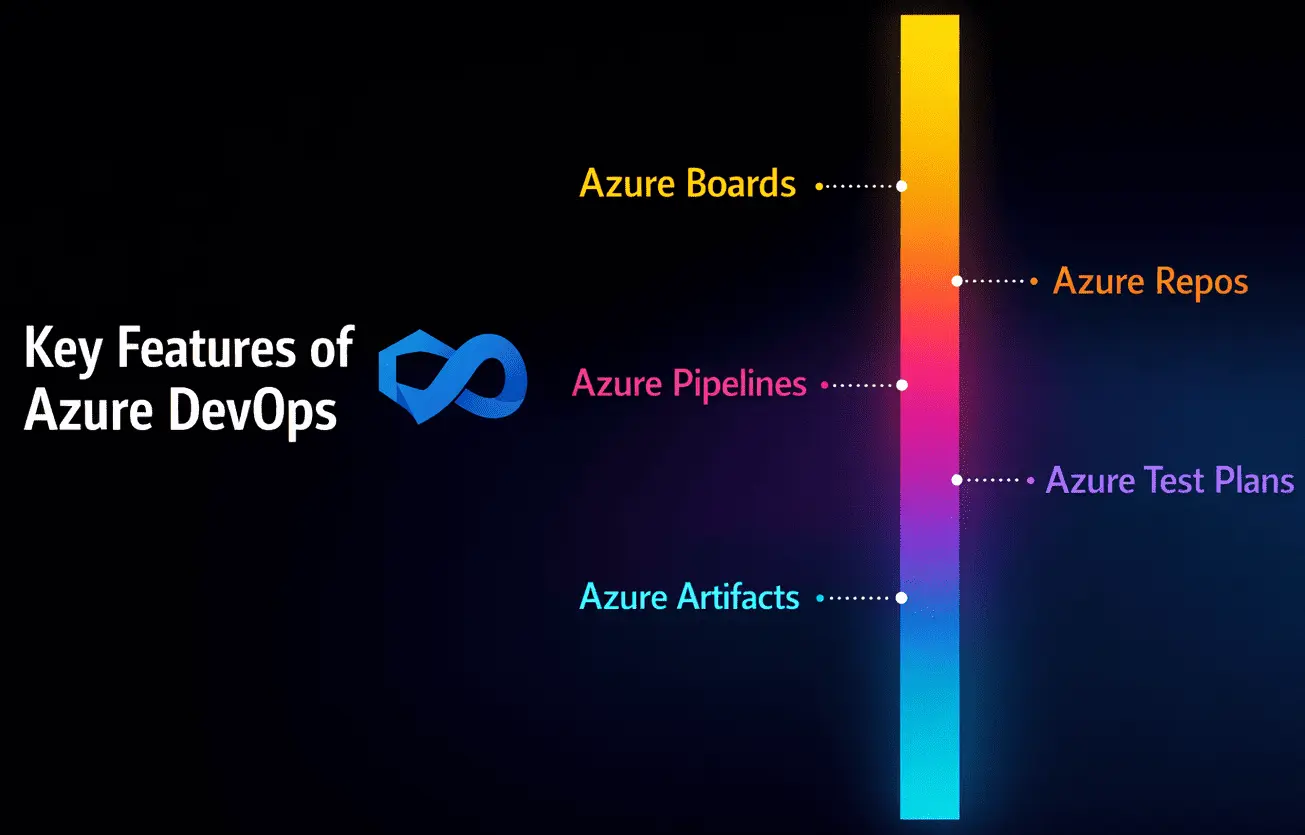
Azure Boards
Boards are where work lives. Teams use them to track user stories, bugs, and tasks, then organize that work into sprints or Kanban flows. The real value isn’t the board itself. It’s the ability to trace work all the way to code and releases later.
Azure Repos
Repos handle source control using Git. Branches, pull requests, and reviews live here. Over time, this becomes the system of record for how and why the codebase evolved.
Azure Pipelines
Pipelines automate builds and releases. They compile code, run checks, and deploy applications across environments. Most teams don’t think about Pipelines as a feature. They think about them as the backbone that keeps delivery moving.
Azure Test Plans
Test Plans support manual and exploratory testing. Teams use them to organize test cases, track execution, and link results back to work items when validation matters.
Azure Artifacts
Artifacts manage packages and dependencies. This keeps shared components versioned and controlled as projects grow and teams multiply.
When delivery scales, continuity becomes a system concern – not a recovery task.
Learn how teams using Microsoft platforms think about resilience, traceability, and uninterrupted delivery in this practical guide.
Azure DevOps Automation
Automation in Azure DevOps exists for a simple reason: humans are bad at repeating the same steps perfectly.
Teams typically automate:
- Builds
- Test execution
- Deployments
- Workflow triggers tied to code changes
Automation makes outcomes predictable. The same steps run the same way every time. That predictability is what allows teams to move faster without introducing chaos.
What automation should not do is disappear into the background. When teams can’t see what’s running or why something failed, trust erodes quickly. The best setups make automation visible and explainable.
Azure DevOps Tools
When people refer to Azure DevOps tools, they’re usually talking about Boards, Repos, Pipelines, Test Plans, and Artifacts as a group.
Individually, none of these are revolutionary. Together, they solve a real problem: fragmentation. A commit points to a work item. A build shows which tests ran. A release links back to the exact code that produced it.
Once delivery gets complex, that traceability stops being a nice-to-have and starts feeling essential.
Comparing Tools? See How ACCELQ Raises the Bar
ACCELQ vs Competitors – Unbiased Comparison
How Teams Use Azure DevOps in Practice?
Most teams don’t use all of Azure DevOps on day one. They grow into it.
It often starts with source control and basic pipelines. Over time, work tracking becomes tighter, test visibility improves, and automation expands. What matters isn’t adopting every service. It’s keeping the flow connected as usage increases.
This is where AI in DevOps starts to matter, not as automation for its own sake, but as a way to maintain visibility, coordination, and decision clarity as delivery systems grow more complex.
Teams that struggle tend to treat each service in isolation. Teams that scale well treat Azure DevOps as a single delivery system, not a collection of tools.
What Is a Pull Request in Azure DevOps?
A pull request in Azure DevOps is how teams review and agree on code changes before they’re merged.
It creates a shared checkpoint where:
- Code can be reviewed
- Automated checks can run
- Discussions can happen in context
This checkpoint is also where continuous testing in DevOps does its most valuable work – running the right automated checks early, while changes are still easy to review and fix.
Pull requests aren’t about slowing teams down. They’re about making sure changes don’t slip through without visibility.
What Is a Build Agent in Azure DevOps?
A build agent is the machine that actually runs pipeline tasks.
Teams usually choose between:
- Microsoft-hosted agents, which are managed and ready to use
- Self-hosted agents, which offer more control over environment and performance
Agents handle tasks like compiling code, running tests, and packaging artifacts. The choice usually comes down to control versus convenience.
What Is a Service Connection in Azure DevOps?
A service connection defines how pipelines securely talk to external systems.
Instead of scattering credentials across scripts, service connections centralize access and permissions. This keeps pipelines safer and easier to manage as integrations expand.
This kind of controlled, policy-driven access is a foundational requirement for agentic automation, where systems need the autonomy to act across tools without losing governance.
In practice, they become one of the quiet pieces that make large setups manageable.
Advantages of Using Azure DevOps
Teams stick with Azure DevOps because it brings structure to delivery.
Common benefits include:
- Better collaboration between development and testing teams
- Clear traceability from requirements to releases
- Consistent automation across environments
- Stronger visibility into delivery health
These advantages compound as teams scale and release cycles tighten.
Challenges Teams Face with Azure DevOps
Azure DevOps isn’t friction-free.
Teams often run into:
- Pipelines that grow complex and hard to change
- Test suites that expand faster than maintenance effort
- Failures that don’t clearly explain themselves
- Automation that runs but doesn’t provide useful feedback
Most of these issues aren’t caused by the platform. They come from design decisions that made sense early on and were never revisited.
Best Practices for Using Azure DevOps Effectively
A few habits consistently make Azure DevOps easier to work with as delivery scales.
- Keep workflows intentional: Pipelines should reflect how work actually moves, not every possible edge case.
- Maintain strong traceability: When work items, code, tests, and releases stay linked, debugging stops being guesswork.
- Use automation: To support decisions, not replace them. Automated checks should surface signal, not noise.
- Revisit pipelines and test assets regularly: What worked early often becomes friction later if it’s left untouched.
Small course corrections prevent large cleanups later.
Why Automate Azure DevOps Testing?
Manual testing struggles when releases are frequent.
Automated testing helps teams:
- Catch issues earlier
- Reduce repetitive manual effort
- Maintain consistency across releases
- Keep confidence high as delivery speeds increase
The goal isn’t to automate everything. It’s to automate the checks that matter most, at the points where they add real signal.
How ACCELQ Fits into Azure DevOps Automation?
There’s a moment most teams hit after CI/CD is in place.
The pipeline works and releases move faster. And suddenly, the tests start slowing everything down. Not because testing isn’t important, but because maintaining scripts takes more effort than the changes they’re meant to validate.
That’s usually when ACCELQ enters the picture.
Teams use ACCELQ when they want automated testing to reflect how the application is actually used today, not how it was wired months ago. Instead of chasing UI changes or patching brittle scripts, they model real business flows and let the platform absorb change underneath.
For teams running Azure DevOps alongside platforms like Dynamics 365, this keeps testing in step with delivery. Pipelines stay reliable. Feedback stays relevant. And testing stops being the part everyone works around.
Conclusion
Azure DevOps is meant to bring order to delivery, not add another layer to manage.
When planning, code, automation, and testing are clearly connected, teams spend less time guessing and more time shipping. Automation helps, but only when it’s designed with intent and revisited as teams and systems grow.
That’s when Azure DevOps stops feeling like overhead. It becomes the system teams rely on when things move fast and the stakes are high.
FAQs
A service connection in Azure DevOps defines how pipelines securely communicate with external systems such as cloud providers, repositories, and deployment environments. Instead of placing credentials directly in scripts, service connections centralize authentication and permissions. This approach improves security, simplifies management, and ensures controlled access as integrations expand across development pipelines.



Geosley Andrades
Director, Product Evangelist at ACCELQ
Geosley is a Test Automation Evangelist and Community builder at ACCELQ. Being passionate about continuous learning, Geosley helps ACCELQ with innovative solutions to transform test automation to be simpler, more reliable, and sustainable for the real world.


You Might Also Like:
 When Continuous Testing Breaks – The QA Problems No One Talks About
When Continuous Testing Breaks – The QA Problems No One Talks About
 QA in Agile Methodology: Best Practices & Implementation for 2026
QA in Agile Methodology: Best Practices & Implementation for 2026
 Elevate TDD with End-to-End Testing