







12 Best API Testing Tools for 2026
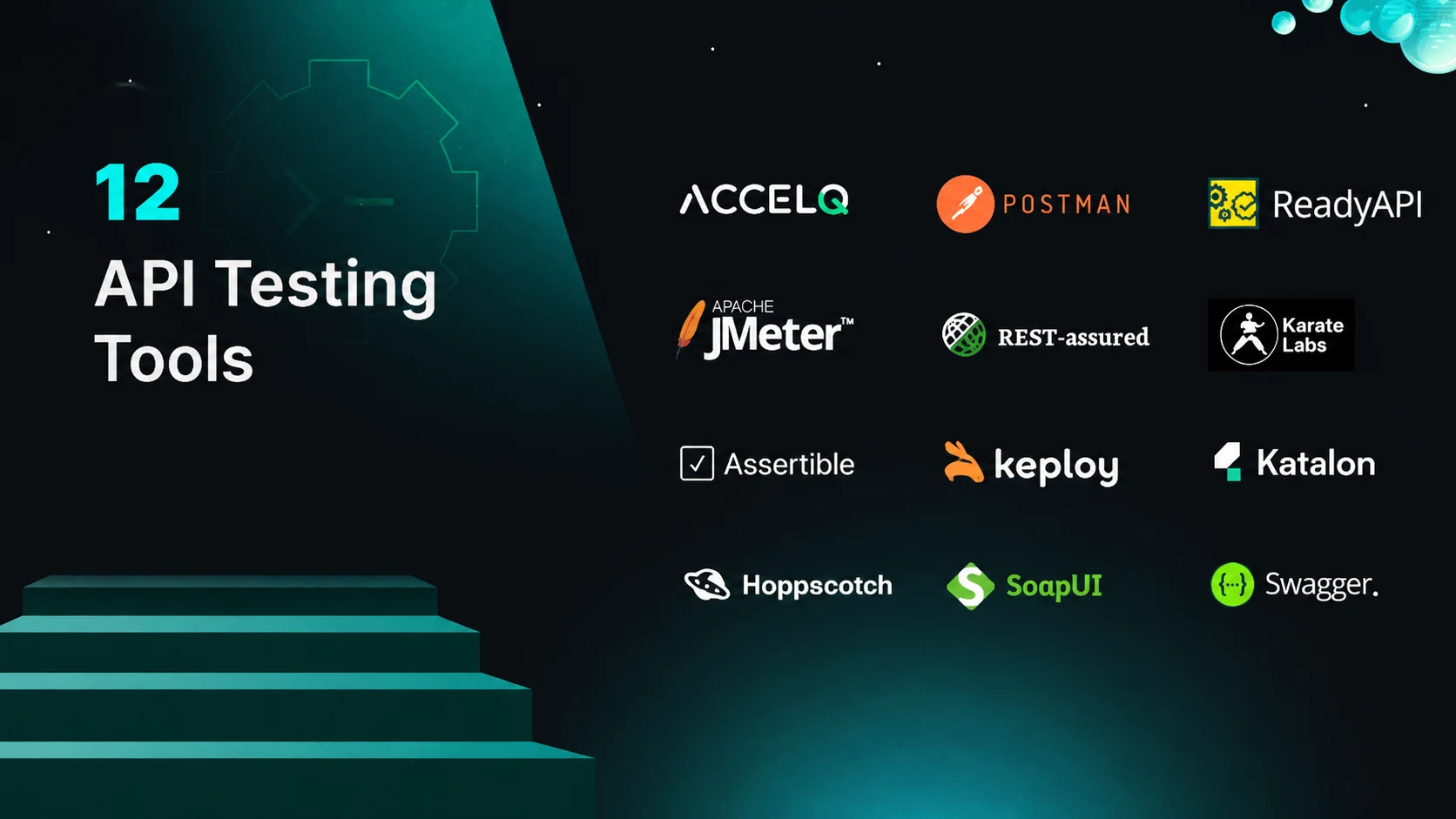
Application Programming Interfaces (APIs) are the backbone of software development. They enable applications and services to interact seamlessly, fostering efficiency and innovation. As businesses heavily rely on complicated software systems, understanding and using the appropriate application programming interface testing tools are crucial for testers and organizations.
API testing tools are special platforms that admit testers to create, execute, and automate tests to ensure that APIs function as expected. These tools can test many aspects of an API, such as functionality, performance, reliability, and security.
SoftwareSuggest recognizes ACCELQ as a market leader 2026 in automation testing tools category. It allows businesses to achieve 7.5x productivity and over 72% savings with its industry-first autonomics-based automation platform. As such, one of the best tools for API testing is ACCELQ. It can design, automate, execute, and track API test plans to comprehensively support SOAP and RESTful services test automation. The API automation tools help developers detect and correct issues before they impact the end-user experience. One of the best tools for API testing is ACCELQ. It can design, automate, execute, and track API test plans to comprehensively support SOAP and RESTful services test automation. The API automation testing help developers detect and correct issues before they impact the end-user experience.
Top 12 API Testing Tools
1. ACCELQ

ACCELQ offers API chaining and regression suite capabilities for mature API testing. This test automation platform achieves end-to-end validations with API and UI in the same flow. You can easily reuse and chain your API tests for integrated automation. REST, SOAP, and custom protocols are supported for complete API testing. The platform ensures 360° quality coverage by seamlessly embedding critical server-side API validations and front-end testing. Modern automated API test automation tools like ACCELQ use AI to self-heal tests.
Features:
- The platform includes API verifications with a simple and natural interface.
- API test case management, test planning, execution, and tracking governance are supported.
- In-sprint automation with seamless API automation is supported.
- ACCELQ chains API tests for true end-to-end validation.
- Supports an integrated CI workflow to trigger automated API suite regression.
- A simple and automated change impact analysis of the API test suite is supported.
- Execution tracking of API tests with full visibility and defect-tracking integrations is supported.
- Dynamic live results view with actionable reports to trigger reruns.
Pros & Cons of ACCELQ
- Aligns business processes with APIs for comprehensive test coverage
- Codeless to automate API tests on the Cloud in the same simplified flow
- Restricts app access via Oauth 2.0 security and tenant group access policies
- No Cons
Contact us today to know how ACCELQ can streamline your API testing workflow.



2. Assertible

Assertible automated QA tools test and monitor your web services across deployments and environments. These API tools provide assertions to test endpoints and sync tests with API changes.
Features:
- This tool uses dynamic variables to manage and customize API requests, including environment-specific values and response data.
- To test interactions, simulate API responses with mock endpoints without depending on live APIs.
- Integrates with tools to execute web app tests when pushing code to GitHub or send alerts to Slack if failures happen.
Pros & Cons of Assertible
- Automated API testing for CI and deployment workflows
- Real-time monitoring with alerts
- Reports on API performance and uptime
- Only automated API testing
- Minimalistic user interface
- Expensive for premium features

3. Keploy

Keploy is an open-source, eBPF-based API testing platform that auto-generates test cases and data mocks from real API traffic. It records live requests and responses in the background, then replays them as tests, so teams get coverage without writing test scripts by hand.
Features:
- eBPF-based traffic capture records real API calls at the kernel level to auto-generate test cases and mocks with zero code.
- Auto-generated mocks and stubs stand in for databases and third-party services, so tests run in isolation without spinning up a live backend.
- CI/CD integration is supported to replay recorded tests on every build and catch regressions before they ship.
Pros & Cons of Keploy
- Generates test cases and mocks automatically from real traffic, with no manual scripting
- Open-source and CNCF Landscape listed, backed by an active community
- Language and framework agnostic thanks to kernel-level capture
- Newer tool with a smaller ecosystem than long-established players
- eBPF-based recording is primarily supported on Linux environments
- Focused on backend/API testing rather than UI or heavy load testing
4. Hoppscotch

Hoppscotch is a web-based API development suite. It was built from scratch with accessibility in mind, providing the required functionalities for developers with a minimalist user interface.
Features:
- Workspaces organize API requests, collections, and environments into different workspaces.
- Collections save, organize, and share API requests.
- History stores and accesses previous API requests and responses.
Pros & Cons of Hoppscotch
- Lightweight tool for web API development
- Inspections detect and resolve configuration errors in API requests
- Code snippets can rapidly build API integration in languages and frameworks
- Few features for API development
- Limited features for team workflow management
- Less integrations with other development tools
5. JMeter

JMeter is designed for load testing and application performance measurement. It supports Java but was originally designed to test web applications.
Features:
- Command-line mode loads API tests from any OS.
- Scripting is supported using Groovy and BeanShell languages to implement complex test logic and workflows in API performance tests.
- Continuous integration is supported through third-party open-source libraries to catch API performance issues early.
Pros & Cons of JMeter
- Enables load testing to simulate high traffic on APIs
- Caching and replaying of API test results are supported
- Supports multiple protocols: HTTP, HTTPS, SOAP, REST, etc.
- Steep learning curve for advanced features
- Lacks real-time analysis to track API performance metrics
- Resource-intensive for large-scale API load tests
6. Katalon Studio

Katalon Studio streamlines testing for any API architecture. It supports various API architectural styles.
Features:
- The platform leverages low-code capabilities with AI-driven features to craft API tests.
- Validates objects or strings against schemas using the test request editor.
- Testing SOAP API is supported to import tests from other tools and rebuild existing API tests.
Pros & Cons of Katalon Studio
- Easy setup with no initial prerequisites
- CI/CD pipeline integration for consistent quality
- Extensive test coverage ensures API quality
- High memory usage for large-scale API load tests
- Steep learning curve for specific use cases
- Advanced features are limited to a paid version
7. Karate DSL

Karate DSL is an open-source tool. This tool combines API test automation, API performance testing, and API mocks into a single, unified framework.
Features:
- Built-in text manipulation capabilities can test highly dynamic responses from GraphQL APIs.
- A fully featured debugger can replay a test step while editing it.
- The tool supports switching configurations across different environments.
Pros & Cons of Karate DSL
- Accurate validation with detailed assertions
- Designed to chain API calls and user actions
- Reports with HTTP logs for easy troubleshooting and debugging
- Performance overhead in complex parallel tests
- Unstable features may cause implementation issues
- Limited data-driven testing for complex data scenarios
8. Postman
Postman is an API platform for building and using APIs. Flows, a low-code tool of this platform, builds API applications and can create workflows, integrations, and automations in a collaborative environment.
Features:
- Collections can link related API elements together for easy editing, sharing, testing, and reuse.
- Postbot’s data visualization capabilities can understand API responses and visualize data as a chart, bar graph, or other formats.
- An API client sends requests, inspects the response, and easily debugs.
Pros & Cons of Postman
- Central repository to store, iterate, and collaborate on all API artifacts
- Mock servers simulate API behavior in pre-production
- Monitors API health and performance
- Lacks some advanced CLI capabilities
- Steep learning curve to use more features and scripting
- Extra costs for advanced features and collaboration tools
9. ReadyAPI

ReadyAPI is one of the API security testing tools. It can create, manage, and execute automated functional and performance tests from one interface to improve API quality for Agile and DevOps software teams.
Features:
- Point-and-click capabilities incorporate advanced functionality into API tests without complex scripting.
- Chain complex API workflows to create powerful testing suites that run in a CI/CD environment.
- Test coverage of an entire API is measured by importing the OpenAPI Specification into the tool.
Pros & Cons of ReadyAPI
- CI/CD integration with native plugins and CLI
- Test history displays past executions and failure summaries
- Reporting dashboard logs request/response history, aids in test failures
- Complex tests demand more system resources
- Requires Groovy knowledge for advanced scenarios
- Costly for small teams or individual developers
10. Rest Assured

Rest Assured is a Java-based library designed for API testing. It offers a domain-specific language (DSL) for testing RESTful APIs and integrates seamlessly with Java projects.
Features:
- This library allows API request and response specifications to be reused, promoting code reuse and reducing redundancy in test cases.
- JSON Schema validation is supported to ensure the API responses conform to predefined schemas.
- This library includes logging and reporting capabilities to debug and analyze test results.
Pros & Cons of REST Assured
- Extensive assertions to validate API responses
- Seamless integration with Java testing frameworks
- Allows users to construct HTTP requests and validate API responses
- Requires Java programming knowledge
- Limited support for SOAP APIs
- Lacks a GUI, limiting users who prefer visual tools for test design
11. SoapUI

SoapUI is used to test entire RESTful APIs and SOAP Web Services. This tool can also test HTTP-based services.
Features:
- Drag and drop test creation is supported and runs the most complex scenarios.
- Create load tests quickly and easily with the existing functional API tests.
- Mimic real web services without waiting for them to be accessible.
Pros & Cons of SoapUI
- GUI can easily validate REST, SOAP, and GraphQL-based web services
- Supports SOAP and REST APIs for diverse testing needs
- Open-source tool for functional, security, load testing, and mocking
- Challenging to master advanced features requires training
- Running complex load tests may affect performance
- Advanced features are limited to the pro version
12. Swagger

Swagger is a suite of API developer tools for teams and individuals. These tools enable development across the entire API lifecycle, from design and documentation to testing and deployment.
Features:
- YAML/JSON editor with specification validation is supported.
- Supports AsyncAPI 2.* specification.
- Offers auto-generated interactive API documentation.
Pros & Cons of Swagger
- Free and open-source, accessible to all users
- Direct interaction with API endpoints speeds up testing
- Client and server code generation
- Struggles with very large API specifications
- Missing advanced features like automation
- No built-in CI/CD integration
How do API testing tools work?
An API testing tool functions by sending requests to one or more endpoints. They then look at the responses and compare them to what was expected. If the results are as expected, the test is successful. If not, you have to do some investigating followed by retesting. Here is how to test your APIs:
- Design a test case: This is where you define what you expect the test results to be. You can also set particular API requests and any extra parameters or conditions you want to test.
- Configure access to the API you want to test: You will need to provide the base URL, authentication credentials, and request headers.
- Run your first tests: The tool will send API requests as per the test case conditions and configuration you have set. It will then analyze the responses to ensure they are complete and correct and determine how they measure up against the expected results.
- Analyze the results: You can view the results from your chosen tool logs and reports.
6 Best practices to use API testing tools
Even the most advanced tools can fall behind without the right approach. The practices below help ensure your testing stays effective, scalable, and relevant as systems become more complex.
1. Design Effective Test Cases
A strong testing strategy starts with well-structured cases by covering functional paths, edge cases, and error scenarios to predict API behavior across real conditions. Clear, reusable test cases reduce blind spots and simplify maintenance.
2. Automate Within CI/CD
Integrate API tests into the CI/CD pipeline so each commit triggers validation. Find regressions early, stabilize releases, and maintain continuous quality without slowing delivery.
3. Include Performance & Load Tests
Passing functional tests isn’t enough. Simulate peak loads and concurrency to uncover bottlenecks early and prevent production slowdowns.
4. Data Driven Testing
Testing APIs with diverse input datasets reveals issues often missed in standard requests. Use various formats (JSON, XML, large payloads) and edge cases to ensure the API handles diversity and scale effectively.
5. Monitor After Deployment
Testing does not stop at release. Continuous monitoring tracks uptime, latency, and anomalies. Real-time alerts help your team to fix issues before users even notice.
6. Security
APIs are frequent targets, so automate scans for authentication gaps, misconfigurations, and data risks. Regular checks keep your systems secure.
Postman alternatives for API testing
Postman remains one of the most used tools for API validation, yet many teams are moving toward solutions that deliver in-depth automation, sturdy CI/CD alignment, and great developer experiences. Here are three leading Postman alternatives for API testing in 2026:
- ACCELQ: A codeless, AI-powered test automation platform that unifies API/UI/ end-to-end validation in a unified workflow. It enables self-healing test automation, smooth CI/CD integration, and robust regression tracking for enterprise-scale API testing.
- Apigee: Google Cloud’s detailed API management offers full-lifecycle governance, traffic analytics, and automated validations. Ideal for organizations managing distributed API ecosystems.
- Keploy: An AI-powered API testing platform that generates and maintains integration tests from real application traffic. It enables self-healing test suites, production-like mocks, and seamless CI/CD automation with minimal manual effort.
These Postman alternatives address different needs across QA and development teams. From ACCELQ’s enterprise automation and Apigee’s lifecycle management to Paw’s developer-friendly precision, these tools give organizations more flexibility in modern API testing workflows.
How ACCELQ Manages API Test Environments?
A critical requirement for any successful automation suite is the ability to run the same test scripts across multiple deployment environments without test logic modification. It is achieved by externalizing environment-specific values, such as URLs and credentials, from your scripts. Let us see how ACCELQ manages such configurations using global properties and run properties:
The first step is to abstract all environment-specific values into global properties. Think of these as centralized constants that your tests can reference.
Define Your Properties
In ACCELQ, you can define global properties for each value that might change between environments.
- API_BASE_URL
- AUTH_URL
- API_KEY
Build Generic Tests
The second step is to modify your test logic by referencing the properties. ACCELQ uses the {prop: property_name} syntax to reference a global property.
An example of a generic test:
Invoke the RESTful GET service. End-point: ‘{prop: API_BASE_URL}/v2/users/123’
Define REST connection name: ‘auth_conn’, base URL: ‘{prop: AUTH_URL}’, authentication headers (comma separated): ‘api-key={prop: API_KEY}’
Once your tests are generic, the third step is to use run properties by specifying which environment to target for a particular execution. Run properties are set when you trigger a test run and will override the default values of global properties if the names match. Thus creating a powerful layered configuration system.
Conclusion
Selecting one from the many tools for API testing needs diligent consideration of factors. Here are a few factors to consider when deciding:
- Clearly define your specific API testing needs and requirements.
- Ensure the platform/tool supports the protocols used by your APIs.
- You can prefer an all-in-one platform/tool that can perform all API testing rather than maintaining separate tools for different functionalities.
- Consider the API testing tools’ user interface, the learning curve, documentation, and support resources.
- If you use CI/CD pipelines, ensure the platform/ tool integrates seamlessly with your existing workflow.
- Select a test API tool that matches your CI/CD workflow.
- Examine the degree of detail, visualization choices, and exporting the reports for later investigation.
- Consider the API testing tools user interface, the learning curve, documentation, and support resources.
If you’re looking for a platform/tool that meets the above factors and improves your API testing process, consider exploring ACCELQ. This platform has a built-in CI workflow that initiates an automated regression of the API suite. It conducts regression testing based on requirements tracking and automates API test suite analysis.
Quick Summary
Our analysis of API testing tools provides insights for your teams aiming to optimize their development workflows. We have listed leading tools and a few best practices to use the testing tool, helping organizations enhance efficiency and ensure robust API performance.



Chaithanya M N
Content Writer
A curious individual who is eager to learn and loves to share her knowledge using simple conversational writing skills. While her calling is technology and reading up on marketing updates, she also finds time to pursue her interests in philosophy, dance and music.


You Might Also Like:
 What Is End-to-End Testing? Examples & When to Use It
What Is End-to-End Testing? Examples & When to Use It
 Mastering Unit and Integration Testing: A Quick Guide
Mastering Unit and Integration Testing: A Quick Guide
 Black Box vs White Box Testing: Key Differences & When to Use Each in Your QA Strategy