







10 Best AI Testing Tools in 2026 (Compared & Reviewed)
In 2026, software teams are under increasing pressure. Release cycles are shorter, codebases are more complex, and QA teams are struggling to keep pace. Around 40% of automated tests fail unpredictably due to flaky tests, wasting valuable time and resources. AI-powered testing tools are stepping in to solve this – detecting issues, stabilizing tests, and even auto-healing failures. This reduces the manual effort needed to keep automated test suites in shape.
AI tools are no longer optional. They’re essential for staying on top of fast-moving code and meeting high-quality standards. The AI testing tools market is expected to hit USD 3.8 billion by 2035, signaling a major shift toward AI-driven testing pipelines that work smarter, not harder. No matter the industry, AI is helping teams keep up without sacrificing performance or user experience.
So let’s break it down. In this post, we’re diving into the top 10 AI testing tools for 2026 – what they do, how they compare, and which one might be the best fit for your needs.
Quick Comparison of the Best AI Testing Tools
| Tool | Key AI Capability | Automation Type | Best For |
|---|---|---|---|
| ACCELQ Autopilot | Autonomous test generation with GenAI | No-code | Enterprise end-to-end automation |
| Worksoft | AI-driven process discovery | Low-code | ERP and packaged apps |
| Eggplant | AI model-based testing | Scripted | Digital twin testing |
| Applitools | Visual AI validation | Script + visual testing | UI regression testing |
| UiPath | AI-powered test case generation | Low-code | RPA and automation ecosystems |
What Are AI Testing Tools and How Do They Work?
AI testing tools are enablers of continuous, self-optimizing, and adaptive automated testing through the use of AI technologies. They help in reducing human intervention in diverse testing phases. These tools can produce test scripts on their own by reading existing code, requirements, or user stories.
Artificial intelligence testing tools can identify patterns in bug reports and past defects to predict where issues mostly arise. These tools work by generating tests from application data, adapting to changes using self-healing mechanisms, and continuously optimizing test execution through machine learning. Many tools also come with self-healing capabilities, where test cases automatically update themselves if the application’s interface or structure gets modified.
When Should Teams Use AI Testing Tools?
AI software testing tools are useful in environments where traditional testing struggles to keep pace with fast application changes. Teams usually adopt AI-driven testing in scenarios as follows:
- Rapid CI/CD release cycles.
- Frequent UI or workflow changes.
- Large regression test suites.
- Multi-platform applications (web, mobile, API).
- Enterprise systems with complex integrations.
Companies that rely on traditional scripted automation usually face high test maintenance costs. AI-driven test automation tools can reduce these issues through self-healing, intelligent test generation, and automation optimization.
Best AI Testing Tools
1. ACCELQ Autopilot

ACCELQ Autopilot transforms enterprise test automation with AI to discover, create, and maintain tests autonomously—all in one streamlined flow. It’s the industry platform offering a codeless automation solution for various enterprise applications. The platform offers Automate Web/Mobile/API/Desktop/Manual testing for the enterprise stack. ACCELQ leverages AI to build sustainable automation for reliable test execution.
Features:
- Test Step Generator: Automatically generates complete, end-to-end test flows from a simple scenario name, making it easier to set up automated tests.
- No-Code Action Logic Builder: Create test automation logic intuitively without writing any code—ideal for non-technical users and teams.
- AI Designer: This transforms recorded or custom-built tests into optimized, reusable components, making your tests more efficient and adaptable.
- Test Case Generator: Automatically generates comprehensive test coverage by producing various test cases from business process scenarios.
- Autonomous Healing: Automatically adapts tests when changes in the application are under test, ensuring stable test execution despite frequent updates.
- Logic Insights: Offers sophisticated analysis and optimization suggestions to improve test logic, making the automation smarter over time.


Pros & Cons of ACCELQ Autopilot
- Dual-panel view for building test logic & live preview of the app under test
- Automatically adapts due to frequent application changes to keep tests stable
- Grid test execution with inbuilt support for CI and Cloud farm executions
- A brief learning phase, but it's intuitive once familiar
- Best for standard scenarios, less for complex ones
- Slight impact with large projects
Here is a quick sneak peek into how ACCELQ Autopilot uses GenAI and QGPT for agentic test automation: Watch a 2-minute Autopilot demo
2. Worksoft

Worksoft provides AI-driven test automation for enterprise applications to reduce risk across mission-critical applications. The platform allows business users to collaborate on automation, delivering insights that speed test creation, improve reuse, and quality at scale.
Features:
- Predictive risk scoring identifies risky business processes based on test results and change patterns to reduce regression.
- AI-assisted process discovery strengthens automation prioritization through intelligent capture and analysis.
- Process similarity detection finds duplicate test steps even while naming conventions differ, to reduce script redundancy.
Pros & Cons of Worksoft
- AI-powered visual testing automatically finds UI inconsistencies
- Connects to defect trackers such as Jira for streamlined defect management
- A scalable reporting engine delivers customizable test results
- IDE is based on a tabular editor and requires many clicks
- Test cases record from scratch; duplicates must be removed later
- Cloud agent is not natively supported

3. Eggplant

Eggplant Test employs a model-based digital twin testing method powered by AI. This AI automation software simulates real user behavior in applications without source code.
Features:
- AI test modeling ensures apps work across all browsers, operating systems, and devices.
- Model-based testing enhances app performance by predicting behavior in diverse conditions.
- Optimizes CI/CD pipelines with Jenkins, Bamboo, and GitHub integrations to boost test coverage.
Pros & Cons of Eggplant
- Automates manual tests to increase speed and reduce errors
- Generates code from flowcharts for easier process automation
- Uses image recognition to test apps like real users do
- Reports lack detail and in-depth test insights
- Has a high learning curve for new users
- The licensing cost is high for small teams or startups
 Also Read: AI Testing Frameworks
4. Applitools
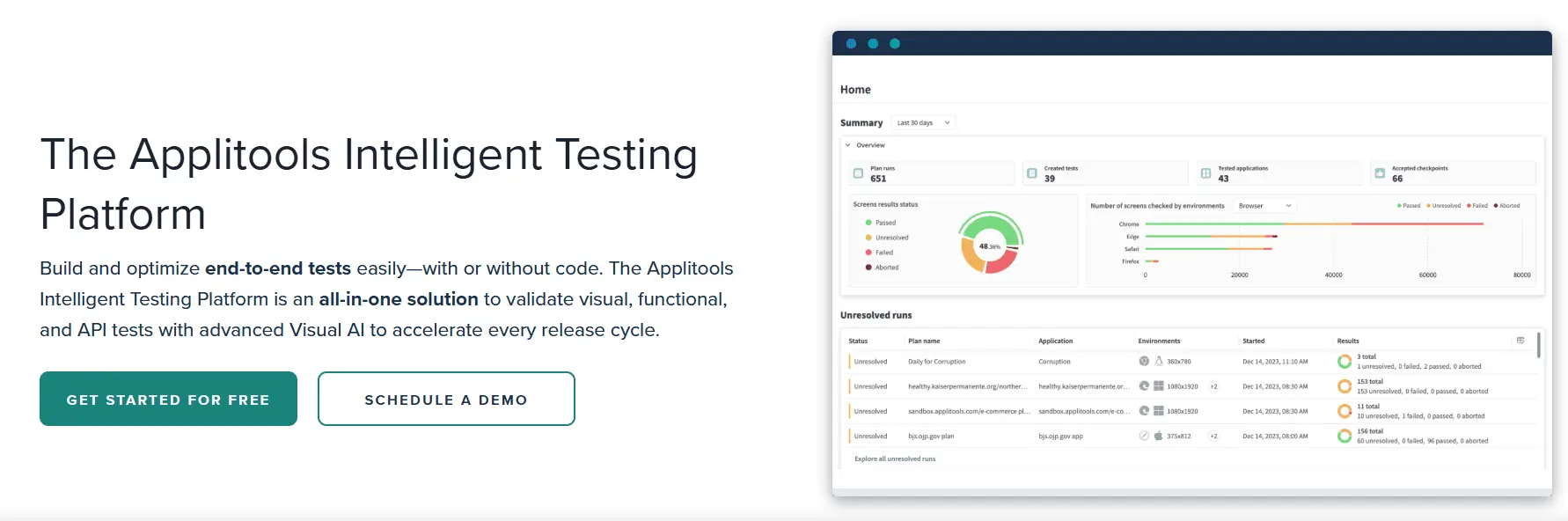
Applitools provides intelligent, cutting-edge application testing solutions. It is one of the AI tools for software QA that supports every stage of the testing lifecycle.
Features:
- An easy-to-use recorder can create complex tests without writing code.
- Self-healing locators keep test pipelines clean and flowing.
- Integrates with GitHub Actions and CircleCI to test continuously.
Pros & Cons of Applitools
- Compatible with any test framework through extensive software development kits
- Speeds up testing by adding Visual AI checkpoints to uploaded URLs
- Run all tests or individual ones with a single click
- Struggles with content that changes frequently
- Teams new to AI-powered testing may need time to learn
- More expensive for small teams or projects
5. UiPath
The UiPath Test Suite is a testing solution powered by the UiPath Business Automation Platform. Test Suite provides quality assurance (QA) teams with enterprise-wide, production-grade, and AI-powered test automation capabilities.
Features:
- Checks API availability, security, and performance to ensure reliable communication between software applications.
- Manages test data effectively within the test suite to create and modify data needed for tests.
- Generates detailed test result reports to understand application performance and identify improvement areas.
Pros & Cons of UiPath
- Uses AI to auto-generate test cases and reduce manual scripting
- Runs tests across OS/devices using cloud environments
- Supports Git, SVN, TFS for test versioning
- Test creation process lacks ease-of-use for non-technical users
- Mobile test support lacks real devices and parallel execution
- Higher cost compared to other testing tools
6. Tricentis Testim
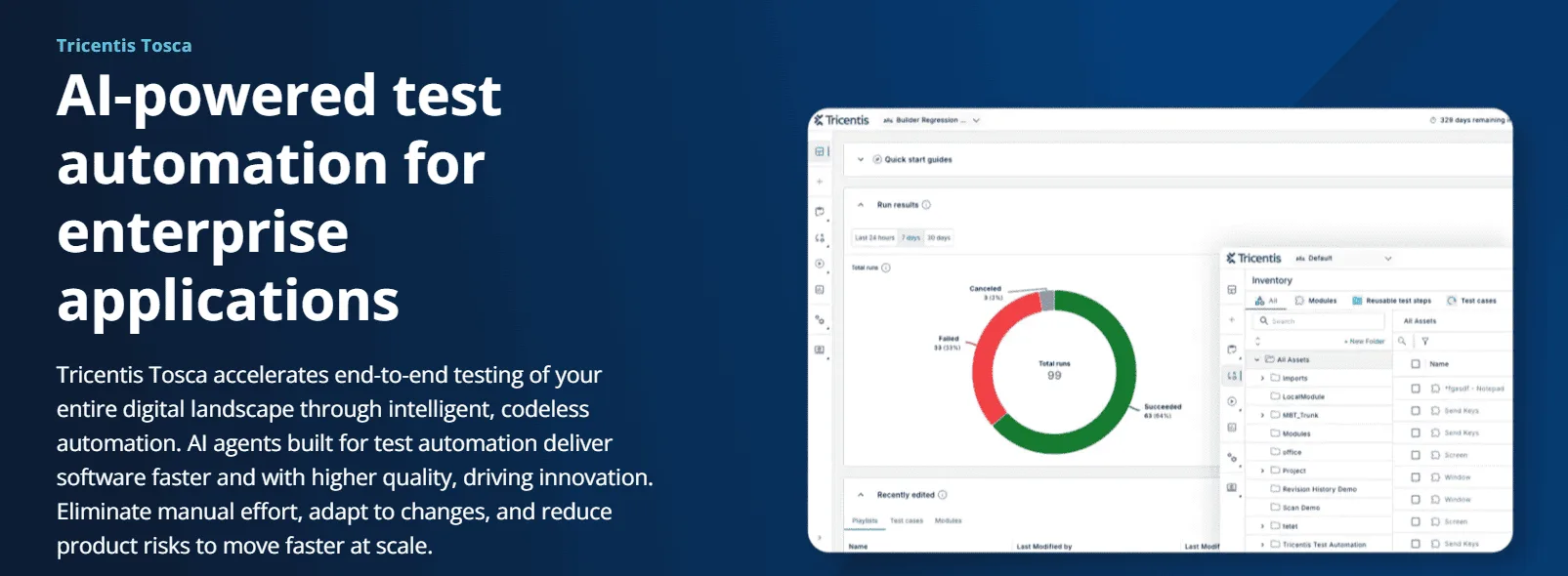
Tricentis Testim is an AI-powered testing tool for web and mobile applications. It helps to quickly author well-designed, AI-stabilized tests for reducing test automation maintenance.
Features:
- The visual editor records user flows and configures them.
- AI uses smart locators to find web elements and auto-updates tests to avoid failures caused by layout changes.
- Diagnoses failed tests through highlighted screenshots and failure suggestions.
Pros & Cons of TestComplete
- Fast authoring increases test coverage and application quality
- Quickly finds root causes of bugs for faster fixes and releases
- AI-powered stabilizers reduce flakiness and save resources
- Setup is difficult due to unclear and complex documentation
- Tests may become unstable when many are run at once
- Reports lack detail in test scripts and step-by-step actions
7. TestComplete
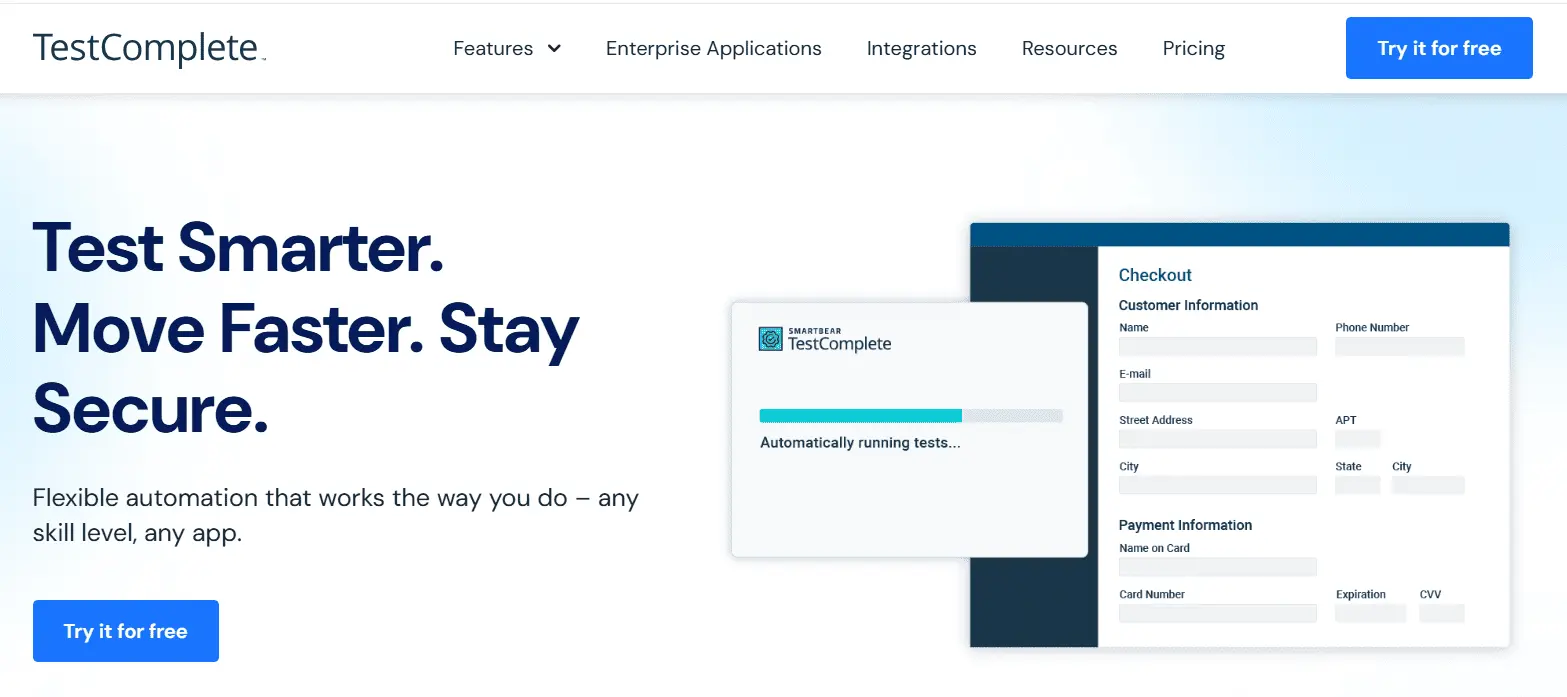
TestComplete provides an intelligent object repository and supports over five hundred controls. One of these AI software testing tools is easy to maintain tests.
Features:
- AI-driven visual recognition streamlines test creation by precisely identifying dynamic elements.
- Integrate automated tests into CI tools to speed up continuous testing in DevOps.
- Automate test reports for status updates through a single interface.
Pros & Cons of TestComplete
- Automates tests across web, UNIX, and other systems
- Python, JavaScript, and C# libraries for easy test management
- Scalable test suite creation and execution
- Weak error handling makes managing failed tests harder
- Problems with Jenkins and Git disrupt smooth test runs
- High pricing limits access for budget-conscious teams
8. Testsigma
Testsigma offers a test automation solution for continuous Agile and DevOps testing. It is one of the AI test automation tools that can identify changes in application elements.
Features:
- Auto-healing keeps tests working by fixing element locators when the app changes.
- The Suggestions Engine uses artificial intelligence to diagnose and propose solutions for test failures to reduce the debugging time.
- Integrates with Azure DevOps, Bamboo, and Jenkins for continuous testing after merging code.
Pros & Cons of Testsigma
- Streamlines test automation for complex testing scenarios
- Team members can share projects, test cases, and data sources
- Provides test reports in screenshots and videos
- Users switching from open-source tools may find it hard to learn
- Handling complex test data can sometimes be challenging
- Integrations with lesser-known tools or specific versions can run into issues
9. Mabl
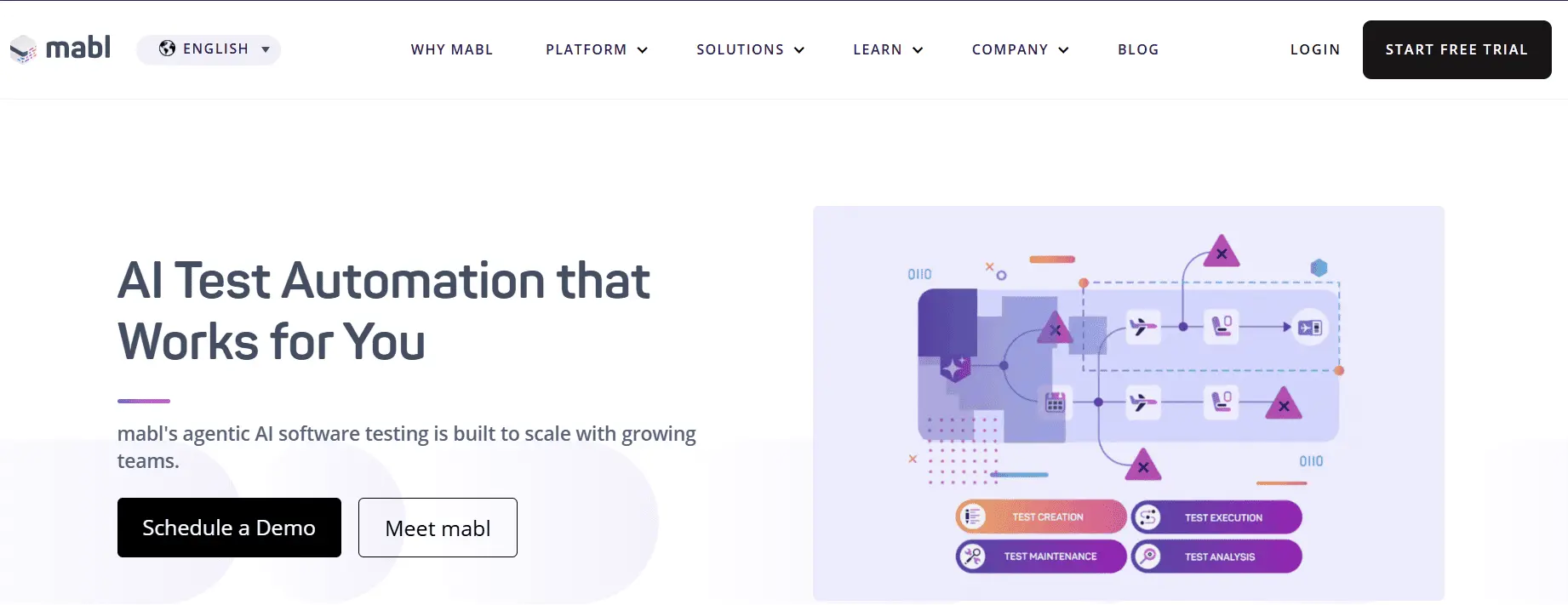
Mabl is a modern, cloud-native platform designed for scalability. It uses generative AI to enhance test coverage and maintenance efficiency. The platform with artificial intelligence relentlessly focuses on the user experience.
Features:
- AI detects potential test issues to improve stability.
- Clustering tracks page load and run times to identify testing gaps.
- Machine learning optimizes test timing for faster execution in any environment.
Pros & Cons of Mabl
- Uses machine learning to update tests based on app changes
- Tracks test performance to improve testing strategies
- Provides insights to resolve issues quickly during testing
- Requires technical knowledge, which may be difficult for beginners
- Limited customization options for advanced users
- Works with many CI/CD tools but may struggle with some app integrations
10. TestCraft

TestCraft by Perfecto offers a robust Selenium-based automated testing solution. Its AI/ML technology supports remote work and collaboration. This AI testing tool supports manual and automated testing to deliver web-based software.
Features:
- Web app localization, like geofencing, time zones, and more, can be tested.
- ML-based algorithms remove false negatives via automated detection.
- Test reports, like screenshots and crash logs, are available.
Pros & Cons of TestCraft
- Create tests quickly without any coding required
- Debug software locally on any platform
- Easily updates tests when the app changes
- May run slower with large or complex test suites
- Less flexible for very complex test cases
- Takes time to learn all available features
AI-Assisted vs Autonomous AI Testing
AI-assisted testing uses AI as a co-pilot to assist testers in producing scripts, debugging, and analyzing test results. This approach improves the capabilities of manual automation testers. The AI acts as an assistant, but does not replace the decision-making process.
Autonomous AI testing works independently to generate, execute, and maintain tests with less effort by human. It uses advanced AI to take over the end-to-end testing lifecycle. The AI understands the application, creates test scenarios, and automatically adapts to changes.
| AI-Assisted | Autonomous AI Testing |
|---|---|
| Capabilities: Generates test cases from requirements, suggests code snippets, debugs, and assists in analysis | Capabilities: Automatically updates to UI changes, autonomous test data generation and AI-driven scriptless test creation |
| When to use: Teams that need to speed up manual processes while maintain control over test logic | When to use: Fast-paced development cycles where applications change quickly |
| Human Effort: High to moderate | Human Effort: Low |
| AI role: Copilot/Assistant | AI role: Independent agent |
| Who creates tests? Human-led, assisted by AI | Who creates tests? Autonomous, self-generating |
| Tests maintenance: Manual or semi-automated | Tests maintenance: Automatic (self-healing) |
| Required skills: Yes, coding/scripting and testing | Required skills: No, scriptless/no-code |
How to Trust AI-Generated Tests?
AI-generated tests can speed up automation, but you must make sure that those tests do not compromise reliability. When AI produces test cases automatically, the risk is not that tests are incorrect but false confidence. Without governance and validation mechanisms, AI can generate tests that run successfully while skipping main defects.
To trust AI-generated tests, organizations must integrate automation intelligence with powerful verification controls. The following practices help your teams ensure that AI-driven testing delivers precise and dependable results.
1. Verify AI-Generated Test Coverage
AI can generate many test scenarios quickly, but quantity does not guarantee accurate coverage. Teams should verify that the produced tests really cover key business workflows. Key checks include:
- Confirm that tests map to core business processes and user journeys.
- Ensure edge cases and negative scenarios are added.
- Find untested paths or conditional branches.
- Monitor coverage across UI, API, and backend logic.
AI testing tools that generate tests from business workflows or user requirements provide stronger coverage than tools that rely only on recorded user actions.
2. Use Traceability Between Needs and Tests
Trust forms when each automated test can be traced back to a user need, story, or business rule. Check for tools that offer:
- Requirement-to-test traceability.
- Visibility into which tests validate each feature.
- Automatic updates when requirements change.
Traceability ensures that AI-generated automation aligns with actual product behavior rather than random execution paths.
3. Track Self-Healing Behavior
Self-healing is one of the capabilities of AI testing tools, but it must be transparent. Poor self-healing implementation can mask defects instead of detecting them. Best tools should provide:
- Clear logs of locator updates.
- Approved workflows for automation changes.
- Alerts when large UI changes occur.
This ensures the system repairs fragile tests without hiding real defects.
4. Maintain Human Oversight in Crucial Scenarios
Human supervision remains important for risky workflows even with autonomous AI testing. Teams should review:
- AI-generated test scenarios.
- Automated test coverage for necessary transactions.
- Failure diagnostics generated by AI.
Instead of replacing testers, AI should function as a testing accelerator, permitting teams to focus on strategy and testing.
5. Implement Test Governance and Audit Controls
Enterprise testing environments require visibility and accountability for automated testing activities. Governance capabilities to look for include:
- Role-based access controls.
- Automation audit trails.
- Versioning of test assets.
- Approved workflows for test modifications.
These controls ensure that AI automation is compliant and meets quality standards.
AI-driven testing is effective when it combines autonomous test generation with governance and traceability. When implemented properly, AI tools for testing can expand coverage, minimize test maintenance, and stabilize automation without reducing accuracy.
Tools like ACCELQ Autopilot build trust in AI-generated tests by joining business process discovery, autonomous test generation, and transparent automation governance, enabling teams to scale automation and maintain confidence in their test results.
How to Choose the Best AI Testing Tool?
Agile teams evaluating AI testing tools should focus on automation reliability and long-term maintainability, not just test generation speed. The following evaluation framework helps you to find tools that can scale with modern CI/CD environments.
1. Depth of AI-Powered Test Generation
The first question to ask is: how does the tool really use AI? Some tools generate test scripts from prompts, while other tools use AI to analyze workflows of the application and produce reusable test cases automatically. Check whether the tool can:
- Generate tests from business process flows.
- Automatically create data-driven scenarios.
- Convert manual tests into automated scripts.
- Expand test coverage by finding untested paths.
AI tools for testing that depend heavily on manual scripting often struggle to keep pace with quick release cycles. The tools that support AI-driven test generation from workflows and requirements deliver faster coverage expansion and lower maintenance.
2. Reliability of Self-Healing Mechanisms
One of the challenges in test automation is test fragility caused by UI changes. AI testing tools address this with self-healing capabilities, but not all implementations can be effective. When evaluating a tool, assess:
- How accurately does the tool detect UI changes?
- Can it automatically repair broken locators?
- Is self-healing traceable and auditable?
- Whether false positives are reduced?
Self-healing reduces test maintenance and prevents frequent test failures caused by minor UI updates.
3. Cross-Platform Test Coverage
Modern applications span many environments, including:
- Web applications.
- Mobile apps.
- APIs.
- Packaged enterprise systems.
AI software testing tools should support end-to-end automation across these layers rather than focusing on a single interface. Evaluate whether the tool enables:
- Test automation unified across mobile, web, and API layers.
- Reusable components across test types.
- Integrated validation across system workflows.
4. CI/CD and DevOps Integration
AI driven test automation tools should smoothly integrate into DevOps pipelines. Automation that runs away from the delivery pipeline rarely offers rapid feedback for continuous delivery. Key capabilities to assess:
- Native integration with Azure DevOps, and GitHub Actions.
- Parallel test execution.
- Support for automated triggers during builds.
- Real-time reporting for pipeline visibility.
Tightly integrated automation permits teams to identify defects sooner and speed up test release cycles.
5. Scalability for Enterprise Testing
Enterprise applications generate thousands of test scenarios across complex workflows. AI testing tools for Agile teams should scale without increasing maintenance complexity. Look for tools that support:
- Reusable test components.
- Centralized test management.
- Parallel execution across environments.
- Cloud-based infrastructure for scaling test runs.
Scalable AI automation tools help teams increase coverage with less effort to maintain tests.
6. Governance and Compliance
As AI becomes part of the testing process, governance becomes important. Agile teams need visibility into how tests are created, executed, and maintained. Check if the tool offers:
- Role-based access controls.
- Audit trails for automation changes.
- Traceability between requirements and test cases.
- Reporting for compliance.
Strong governance ensures automation remains transparent, controlled, and aligned with the organization’s standards.
7. Adoption for QA Teams
Finally, consider how easily the tool can be adopted across teams. AI based test automation tools should reduce a lot of scripting and make automation accessible to testers as well as developers. Assess:
- Learning curve for users with less knowledge and expertise.
- Support for no-code and low-code automation.
- Reusable assets and templates as per availability.
- Collaboration among distributed teams.
Tools that ease automation design allow faster adoption and higher automation coverage.
Conclusion
AI testing tools are transforming how teams approach automation, test maintenance, and release reliability. The best tools combine autonomous test generation, self-healing automation, CI/CD integration, and enterprise governance. When evaluating tools, teams should prioritize automation reliability, scalability, and long-term maintainability.
Among the tools reviewed, ACCELQ Autopilot stands out for enterprise teams seeking autonomous, codeless test automation across web, mobile, API, desktop, mainframe, and packaged enterprise applications. Its automation-first, AI-powered self-healing capabilities make it easy for testing teams to use without programming skills. Thus, ACCELQ, an industry-first autonomics-based automation platform, can help businesses achieve 7.5x faster automation, 72% lower maintenance, and 53% cost reduction.
Explore ACCELQ Autopilot to see how AI-powered test automation can speed up your quality engineering strategy in 2026.
FAQs
AI testing tools enable continuous, adaptive, and self-optimizing test automation by using artificial intelligence. They reduce manual effort across testing phases by automatically generating test cases from application data, adapting to UI and code changes through self-healing mechanisms, and continuously optimizing test execution using machine learning.
Different tools specialize in different areas. ACCELQ offers unified API and UI testing in a codeless platform with generative AI for test creation and maintenance across enterprise systems. Applitools focuses on visual testing, using visual AI to detect UI and layout regressions. Testim uses machine learning-based smart locators to enable self-healing tests and reduce flakiness caused by frequent UI changes.
AI-assisted testing uses AI as a co-pilot to help testers create scripts, debug issues, and analyze results, while keeping humans in control of test logic. Autonomous testing goes further by independently generating, executing, and maintaining tests with minimal human intervention. AI-assisted testing is ideal for teams improving manual workflows, while autonomous testing suits fast-paced CI/CD environments where applications change frequently.



Chaithanya M N
Content Writer
A curious individual who is eager to learn and loves to share her knowledge using simple conversational writing skills. While her calling is technology and reading up on marketing updates, she also finds time to pursue her interests in philosophy, dance and music.